tuvimo
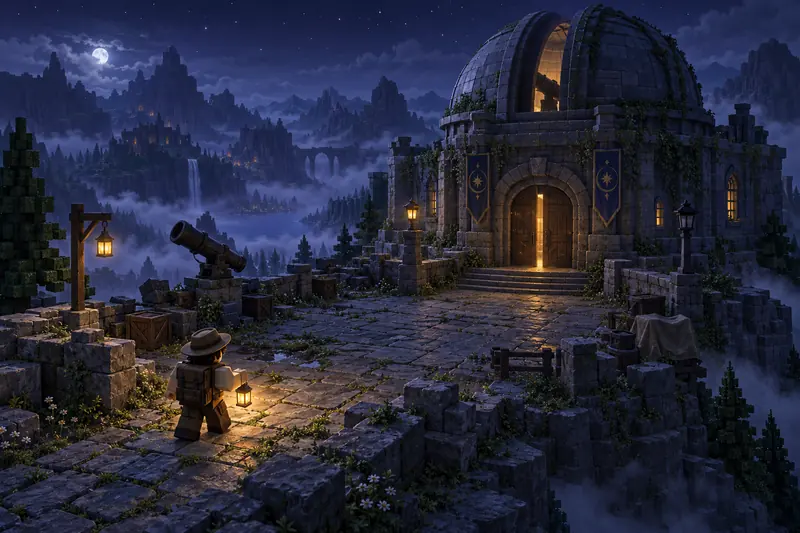
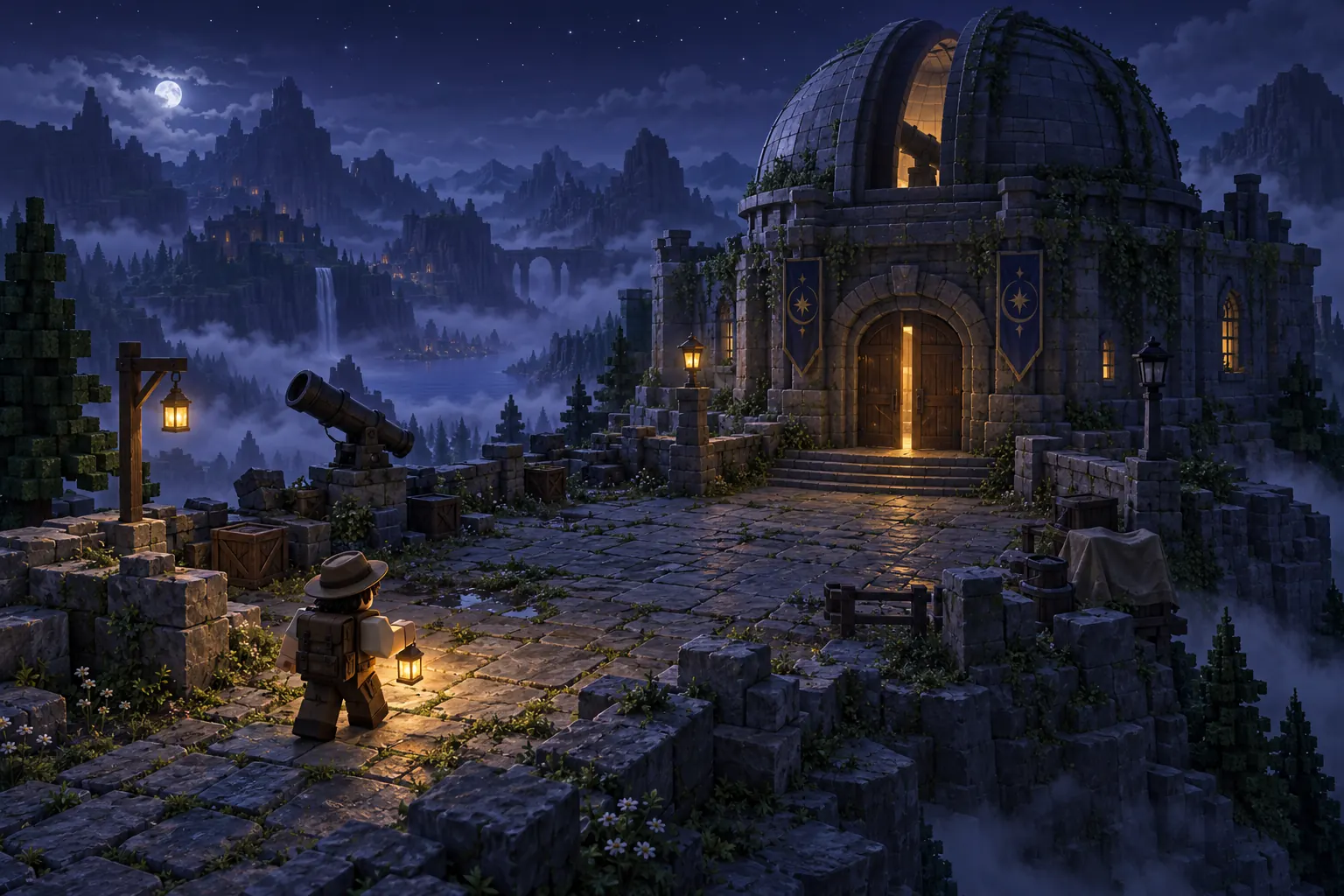
Concept illustration of an explorer approaching a misty observatory
AI HORROR GAME BUILDER

Roblox Horror Game Maker

Build suspense. Give players a way out.

Describe the place, the mystery, and what players must do to escape. Create a Roblox horror game starting point with AI and keep shaping it in your workspace.

Roblox · Horror

Start with one location, one mystery, and a clear way out.

Try an idea:
  • Free to start. Credits are used only when you generate.
  • Draft saved on this device
Explore Horror Game Ideas
AI-assisted concept illustration · not a game made with this tool

Horror Game Ideas to Start With

Three starting briefs for this Roblox horror game generator: a puzzle escape, a simple chase and a mystery without combat. Pick one, change anything you like, then create. These are requests you send to the generator, not finished games, player projects or tested templates.

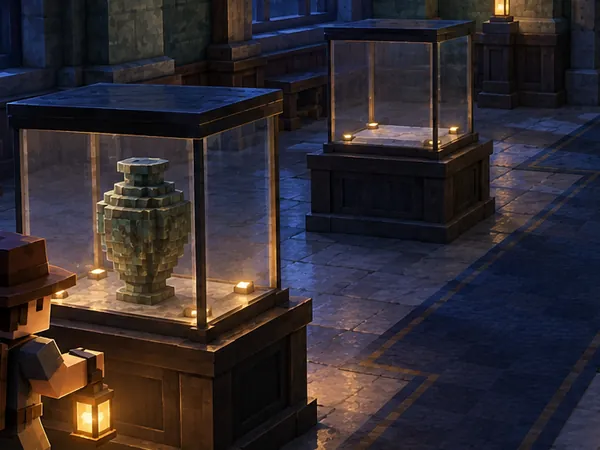
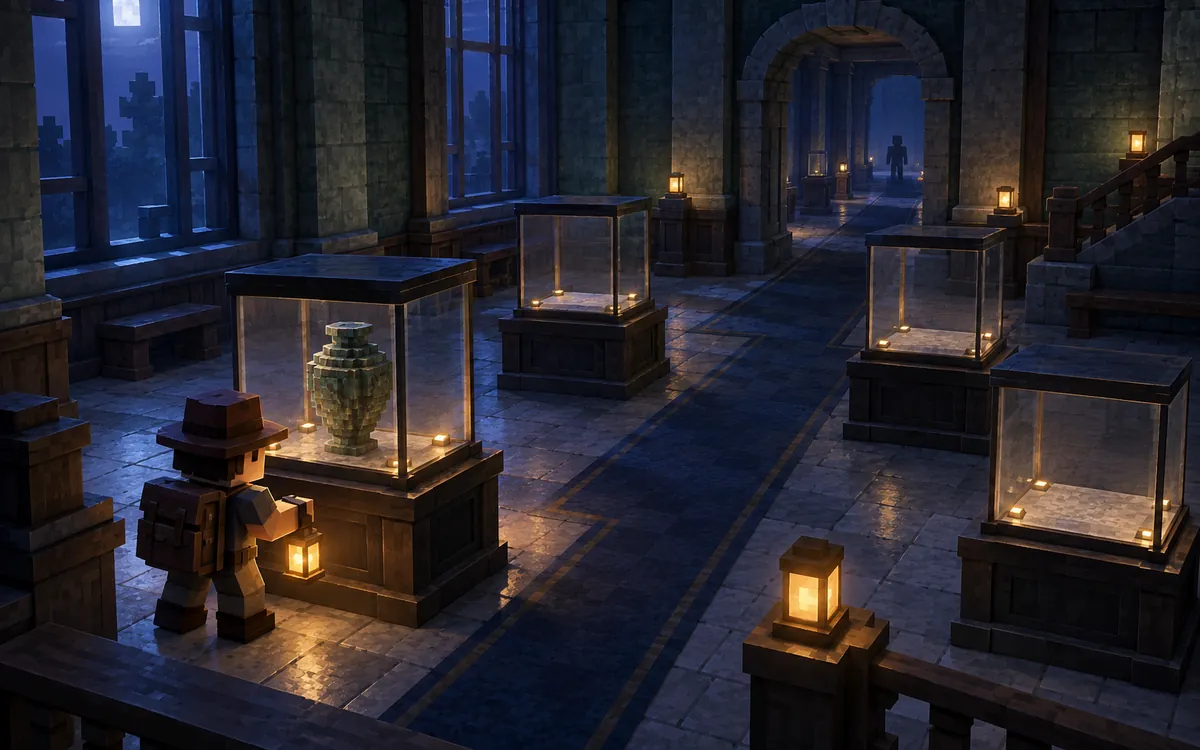
Concept illustration of a mysterious museum gallery with missing relics01

Haunted Museum Escape

Explore quiet galleries, restore missing relics, and uncover the way out.

  1. Explore
  2. Match Clues
  3. Restore Relics
  4. Escape
View full brief

Create a compact Roblox horror-puzzle game set in a closed museum after hours. The player starts in a well-lit lobby and explores three connected galleries to find three missing relics. Each relic belongs on a clearly distinguishable display pedestal. Returning all three relics unlocks the main exit and shows a clear completion message. Include a simple objective tracker, readable paths, and visual clues that do not depend only on color. Use mysterious silhouettes and environmental changes for atmosphere rather than combat or repeated jump scares. Keep the first version session-based, with no inventory grid, cross-session saving, or complex enemy AI. Use stylized low-poly visuals, no gore, no rapid flashing, and no required voice input.
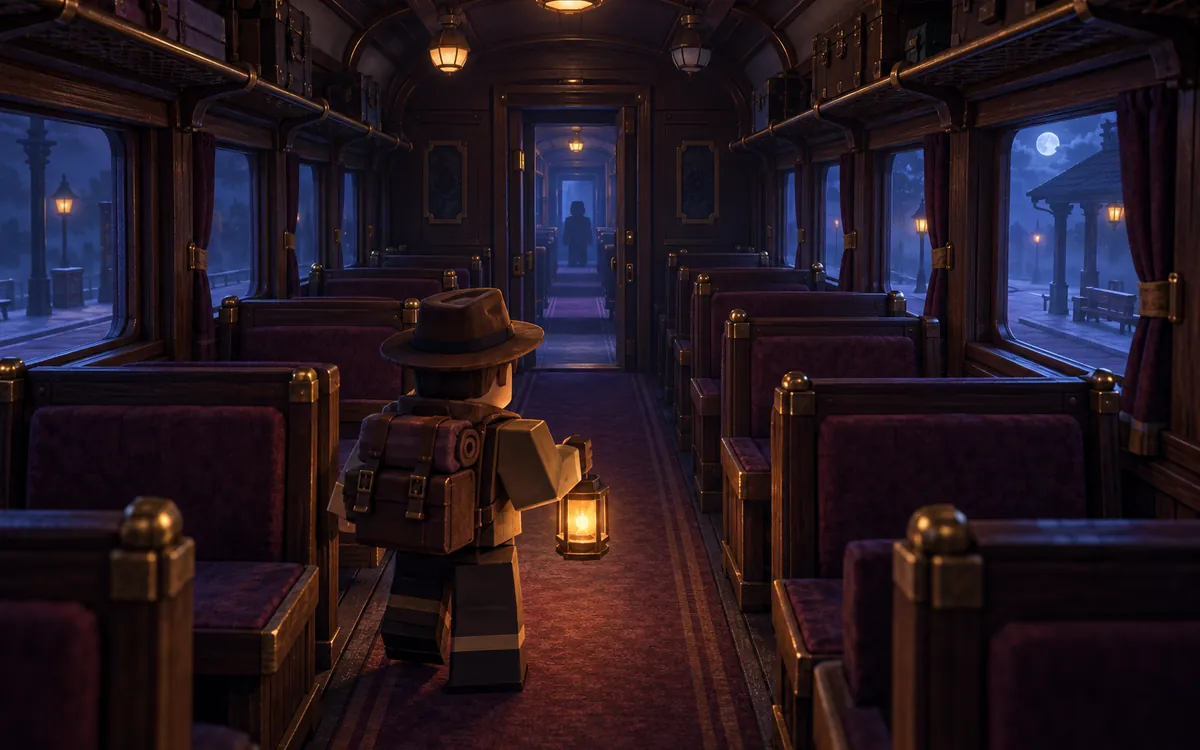
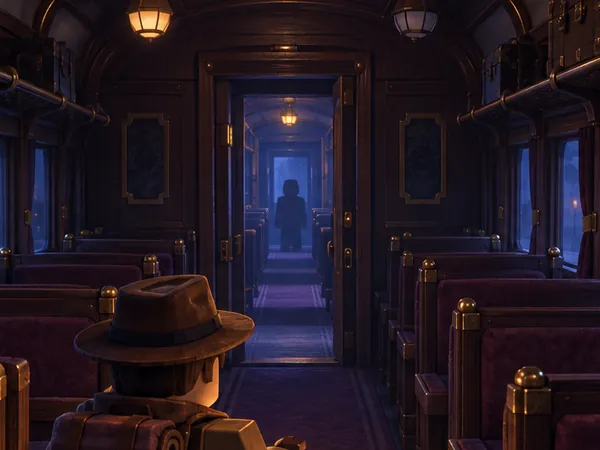
Concept illustration of a dim night-train corridor02

Midnight Train Escape

Search a silent night train and reach the exit before its mysterious passenger catches up.

  1. Search
  2. Restore Power
  3. Avoid
  4. Escape
View full brief

Create a small Roblox horror escape game set inside a stopped night train with two passenger cars and one baggage car. The player must find a maintenance battery, restore power at a clearly marked control panel, and unlock a side exit. If simple enemy behavior is supported, add one original shadow-like passenger that patrols a readable route and briefly follows a player it detects nearby. Define where the pursuit ends and let a caught player restart at a lit compartment while keeping the current objective progress for the session. Keep the train stationary rather than building a vehicle simulation. Provide visible clues so sound is not the only way to understand danger. Use stylized low-poly visuals, no gore, no sudden full-screen scare, and no rapid flashing. Do not add multiplayer-only puzzles or cross-session saving.

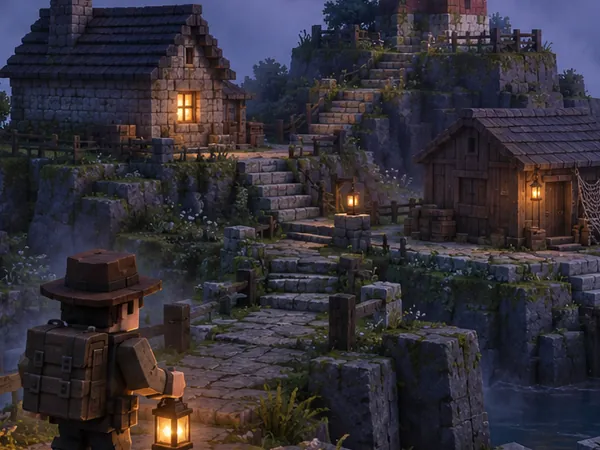
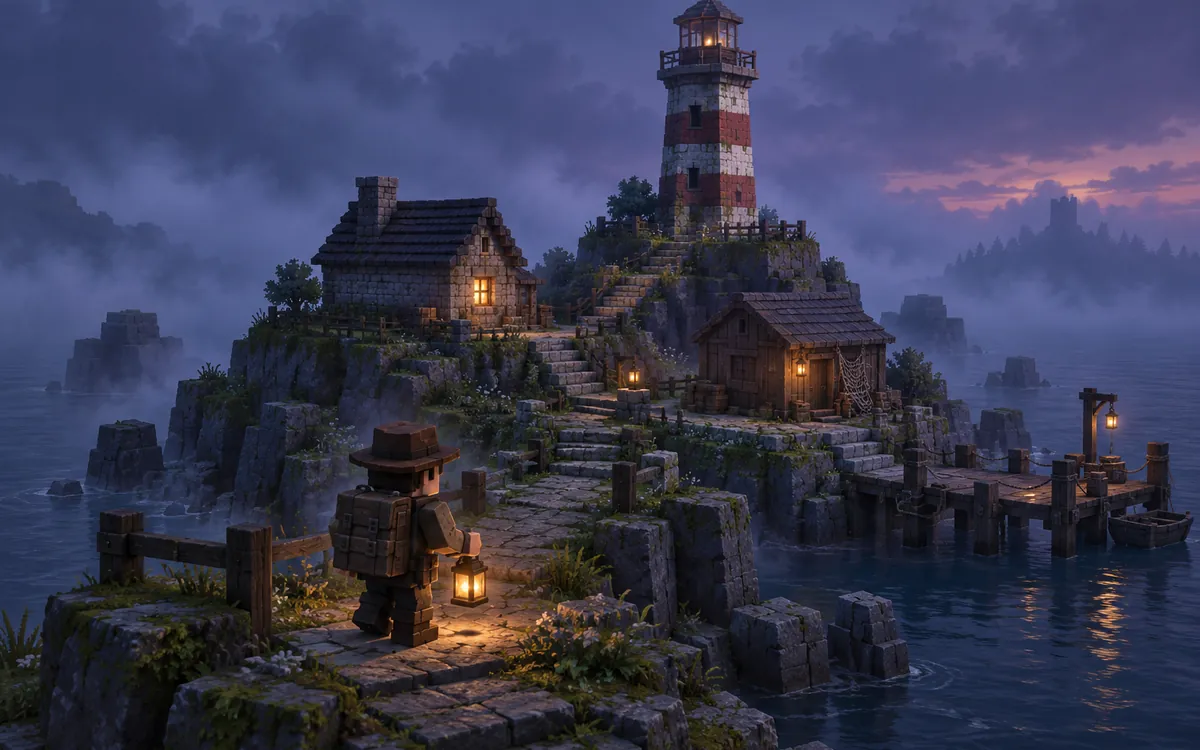
Concept illustration of a foggy lighthouse island and coastal path03

Fogbound Lighthouse Mystery

Follow a foggy coastal path, restore a lighthouse, and signal your way home.

  1. Investigate
  2. Find Parts
  3. Restore the Beacon
  4. Signal Rescue
View full brief

Create an atmospheric Roblox mystery-horror game on a small lighthouse island at dusk. The player explores the keeper's cottage and a nearby storage shed to find two signal-lens components, then returns to the lighthouse to restore the beacon. Show a clear objective tracker and a definite ending when the signal is restored. Build suspense through fog, distant silhouettes, and changes in environmental lighting, but keep paths and stairs visible. Do not require combat, enemy chasing, microphone access, or a working boat simulation. Keep the first version compact and session-based. Use original stylized low-poly scenery, no gore, no loud jump scares, and no rapid flashing.

Concept illustrations for game ideas. They are not screenshots of generated games.

Want quests, characters and a longer adventure instead? Try the Roblox RPG Maker. Only need the setting? Use the Roblox AI Map Generator.

Give the Mystery a Goal and the Danger a Rule

A horror game works when players know what they are looking for and feel unsure about what is waiting for them. Describe both clearly, then check that the plan turns each one into working scripts.

The escape path
  1. Explore
  2. Find Clues
  3. Complete the Objective
  4. Avoid the Threat
  5. Escape
  1. Detail of the museum concept illustration: an explorer beside a relic case, with an empty display case behind

    Make the Objective Clear

    Tell players what to find, what to complete and how the round ends. “Escape” on its own is vague; a door that opens after three relics are returned gives players something to work toward.

    Try: “Show ‘Relics returned: 0/3’ on screen, and unlock the front doors only when all three are on their pedestals.”

  2. Detail of the night-train concept illustration: a distant passenger silhouette beyond an open carriage door

    Decide What Creates the Tension

    Tension can come from an unknown space, the clues players uncover or lights that change as they go deeper. It can also come from a pursuer with clear behavior rules: where it patrols, when it notices the player and where players can hide. Not every horror game needs a monster.

    Try: “The shadow passenger walks between the two cars and follows the player only within ten studs. Being caught sends the player back to the lit compartment.”

  3. Detail of the lighthouse concept illustration: lamp-lit stone steps leading from the cottage to the shed

    Keep Exploration Understandable

    Give clear feedback for the route, the clues, failure and retrying. Darkness can set the mood, but players still need to see the path, the stairs and the exit.

    Try: “Keep a lamp on at every doorway, and make the relic pedestals glow softly once a relic is placed.”

Atmosphere isn’t gameplay yet

  • A dark room isn’t a horror game.
  • A monster model isn’t chase behavior.
  • A cabinet isn’t a hiding rule.
  • A locked-looking door isn’t an unlock condition.
  • Asking for a sound isn’t a sound file in the game.
  • A concept illustration isn’t a playable game.

Check that your plan describes the scripted behavior for each part you need, then test it in Roblox Studio.

Create a Roblox Horror Game in 3 Steps

  1. Describe the Mystery

    Choose one place, one objective and where the tension comes from. Start from an idea above or write your own.

  2. Build Your Starting Game

    Continue in your workspace: discuss the plan, review the credit quote, then let the Roblox horror game maker build an editable starting version.

  3. Refine the Atmosphere and Test

    Check the route, the puzzles and what happens when players fail, then ask for focused changes to the scene, the clues or the threat, such as “Make the gallery entrances easier to find and add a visual cue when each relic is placed correctly.” Then download the .rbxlx place and test it in Roblox Studio.

Review and test the generated game before publishing. The website preview shows the starting scene; it doesn’t run the game.

Roblox Horror Game Maker FAQ

What kinds of Roblox horror games can I create?

The Roblox horror game maker works best for compact scary games in one location with a single main objective, such as a puzzle escape, an atmospheric mystery or a short escape with a simple chase. You can describe your own setting as well. Projects use native Roblox parts, lights and Luau scripts. Large maps, long stories or several systems at once may be scaled down, and you’ll see any reduced scope in the plan before you confirm.

Can I customize the threat, puzzles, and escape objective?

Yes, through your description and the workspace chat. Say what players need to find, how the exit unlocks and, if there is a threat, where it moves, when it follows the player, where players can hide and what happens when they are caught. A hiding spot needs its own rule, such as the pursuer giving up while a player stays inside a lit cabinet. There’s no separate puzzle, monster behavior or level editor: you review these details in the plan before anything is built, and you can ask for changes afterwards.

Can I make a horror game without jump scares or combat?

Yes. Suspense can come from exploring, solving clues and changes in the environment, like the Haunted Museum and Fogbound Lighthouse ideas on this page. Requests started on this page ask the generator to avoid gore, rapid flashing and sudden full-screen scares unless you want them. The plan shows what will be built before you confirm.

Can I add sound effects and atmospheric lighting?

Lighting, yes: you can ask for fog, dim rooms, lamps and lights that change as players progress, while paths and exits stay visible. Sound is more limited. The generator can only use a small set of sounds that ship with Roblox Studio, such as footsteps and simple effects. It doesn’t compose music or create new sound effects, and it won’t add audio from the Creator Store. If you want specific audio, add sounds you have the rights to in Roblox Studio after downloading.

Can I edit the generated game in Roblox Studio?

Yes. Download the .rbxlx place file and open it in Roblox Studio to playtest, keep editing and publish. Play the whole round there: check that the objective updates, try the exit before finishing it, get caught if there is a threat, then complete the escape. The website only shows a static preview of the starting scene, nothing is published to Roblox automatically, and edits made in Studio aren’t synced back. You decide when the game is ready to publish and which audience it suits.

Is the Roblox horror game maker free?

Opening this page, trying the horror ideas and saving a draft are free. Sign in to plan your game with the included planning allowance. Generating the game uses credits, and you’ll see the exact quote before you confirm; later changes, such as adding a second room or a new clue, are quoted the same way. See plans and credit pricing.

Explore More Roblox Game Makers

Create a Mystery Players Can Escape

Start with one place, one objective, and a reason to keep looking.

Independent creation tool. Not affiliated with Roblox Corporation.