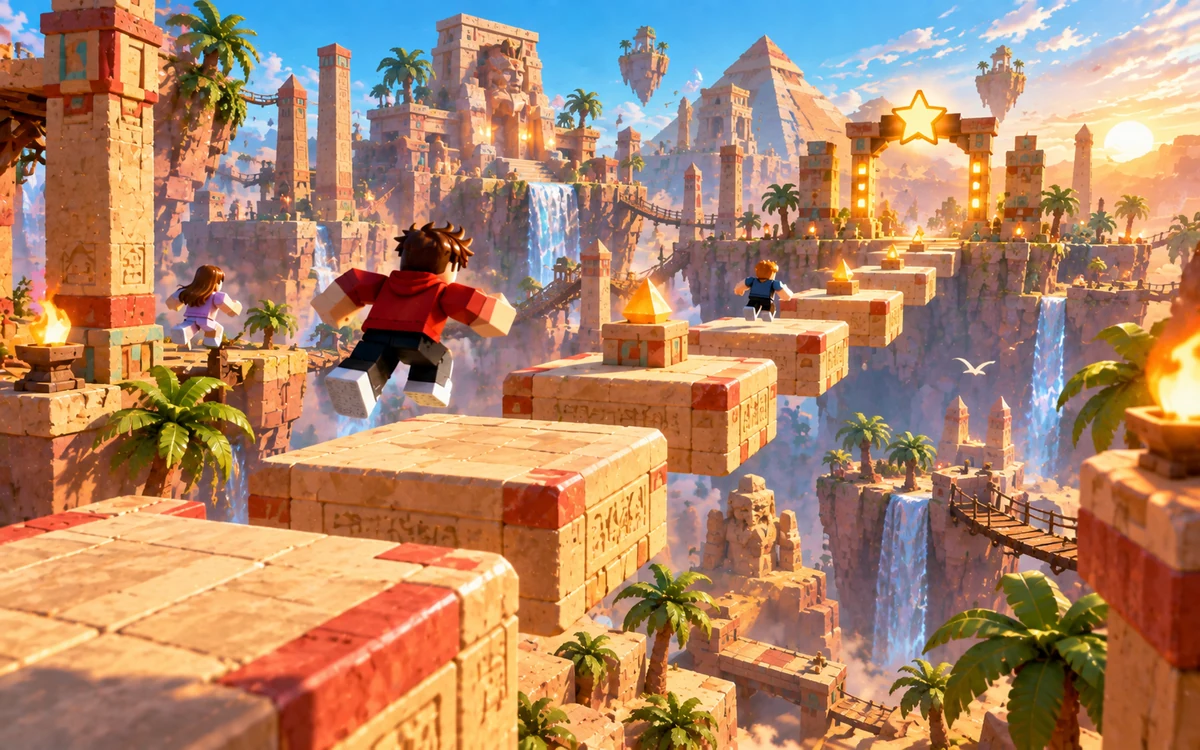
 01
01Lava Obby
A warm-up above the lava. Wide landings, short jumps and a finish you can see.
- 10 stages
- beginner
- static platforms
 tuvimo
Small jumps. Big ideas. Your next obby.
Use the Roblox Obby Maker to turn your obstacle-course idea into a Roblox game. Describe the route, then refine it in your workspace before you build.
5–4,000 characters. Include the theme, difficulty, obstacles and how players finish.
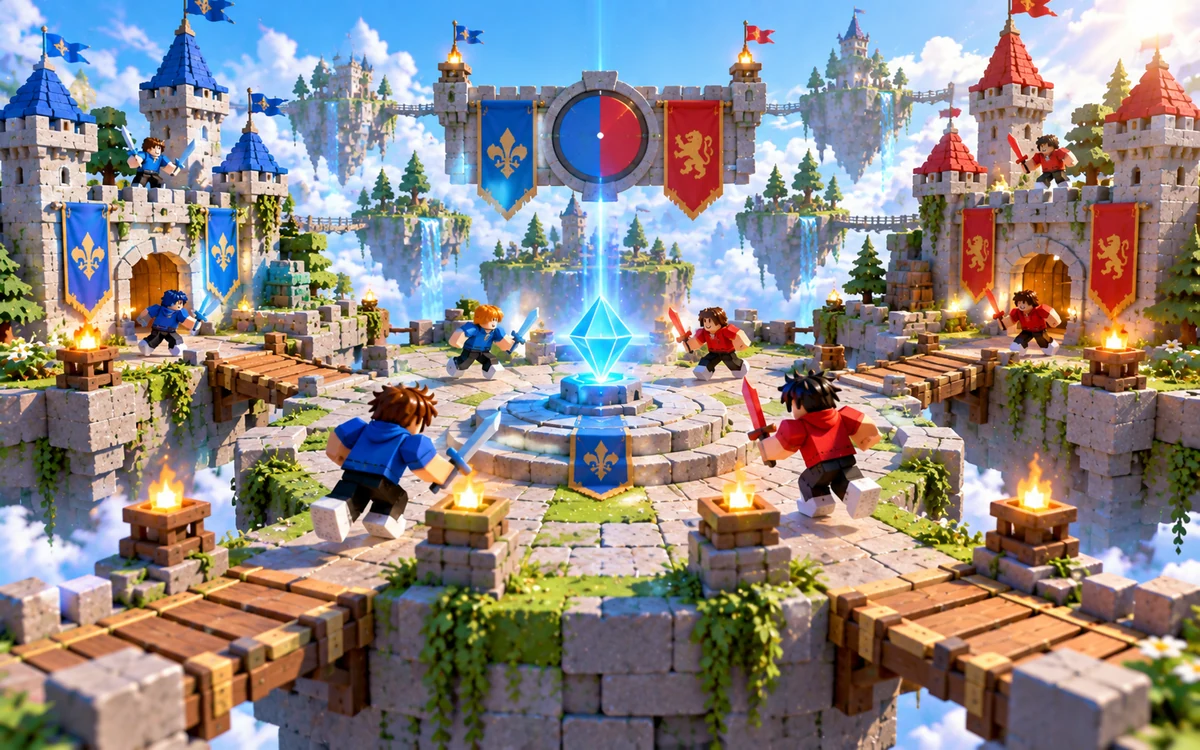
Three course briefs for the Roblox Obby Maker. Pick one and make it your own. These are ideas to request, not generated games or Studio-tested templates.
01A warm-up above the lava. Wide landings, short jumps and a finish you can see.
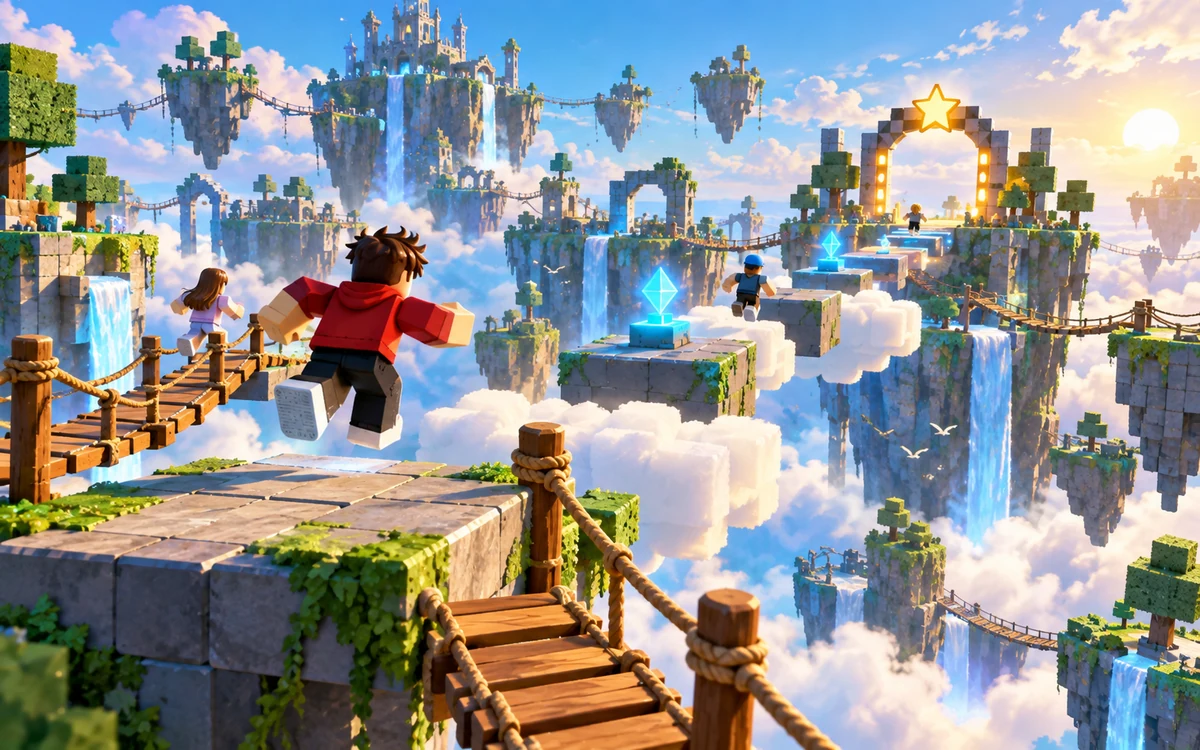 02
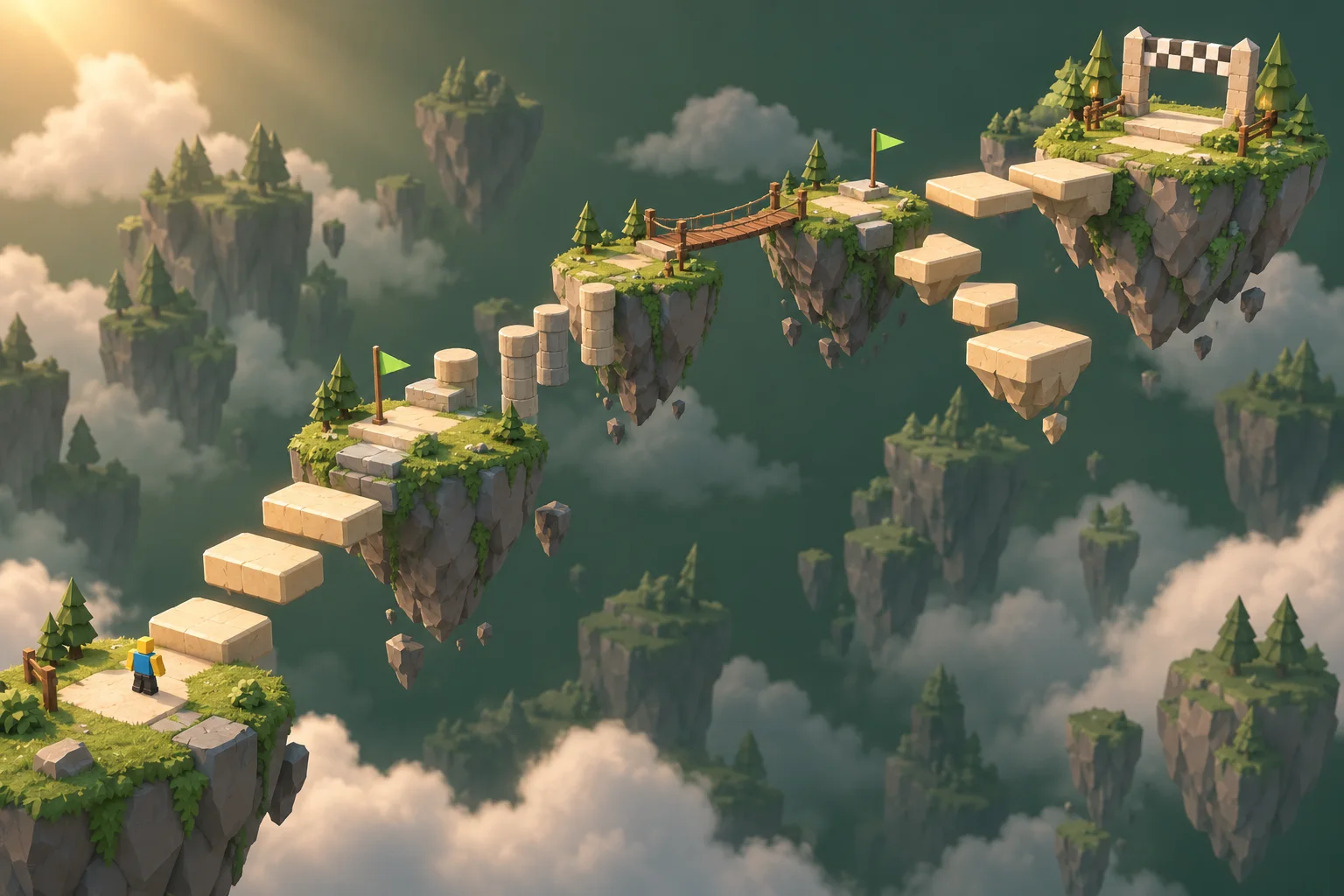
02Follow a rising trail between islands. Easy-to-read landings with room to find your rhythm.
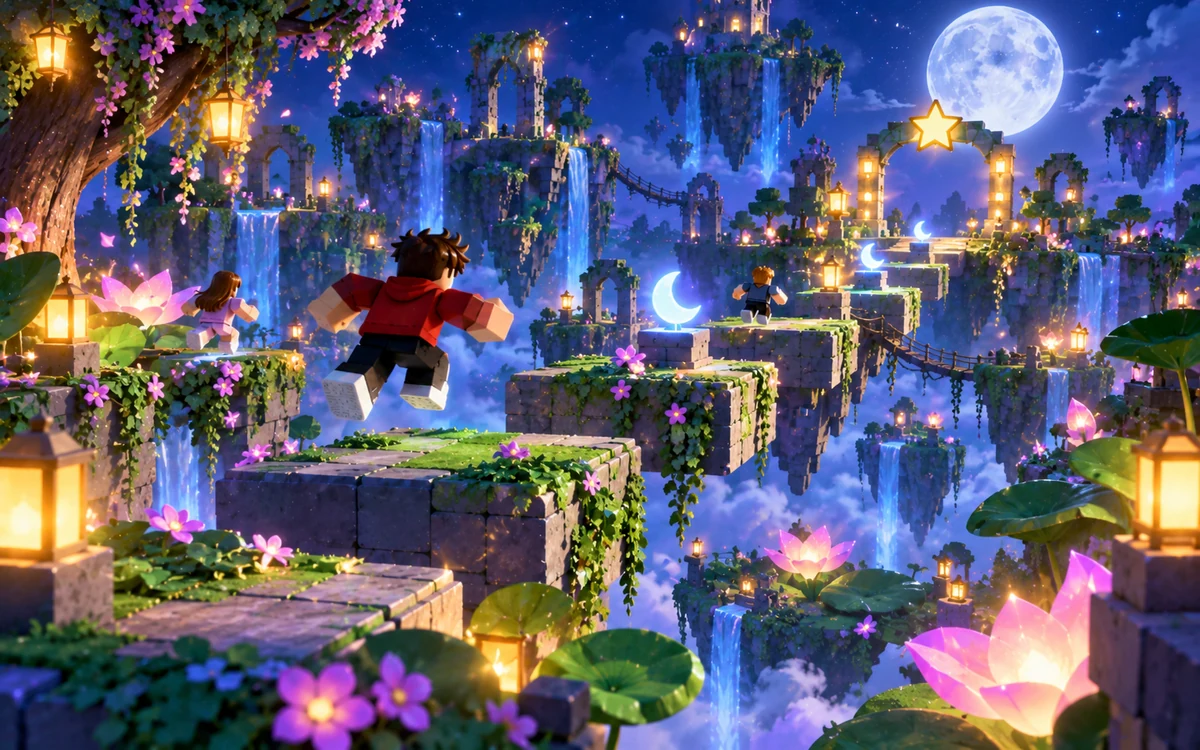 03
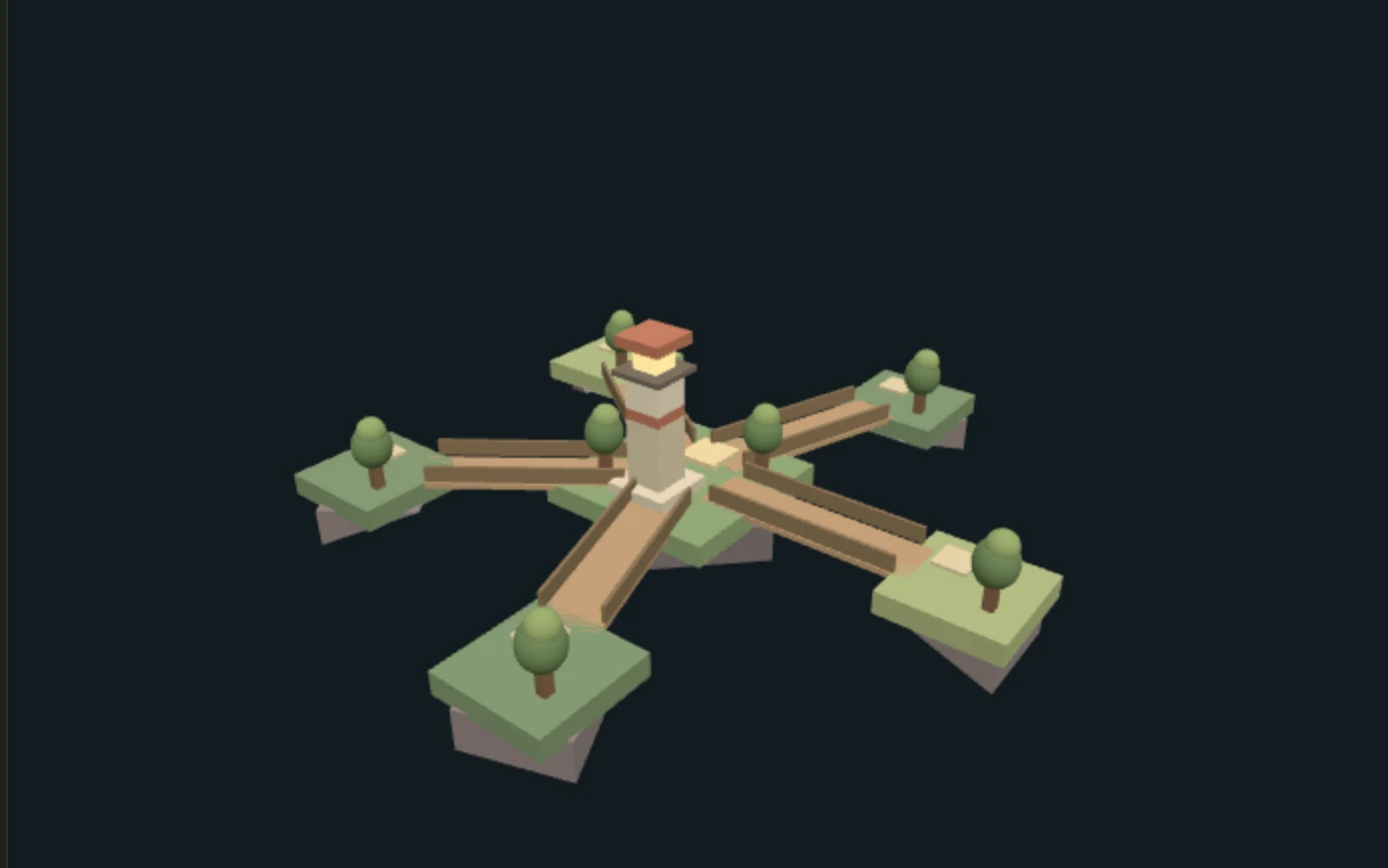
03Jump through connected station sections. A compact course with a clearly marked finish room.
Put these into your description, and the Roblox Obby Maker builds native Parts and Luau scripts for each one.
Describe the stage order, safe landing areas and hazards. Start with a short, readable route you can test from beginning to end.
Request progress and respawn logic for each player. A flag on its own is just decoration, so test falling before and after each one. Progress lasts for the current session.
Put platform widths, jump distances and height changes in your description. Refine the first few stages before extending the course.
Ask for a completion condition and restart behavior. Check that players cannot win by skipping straight to the finish.
Choose a theme and explain the stages, difficulty and obstacles. Use a brief above, or start with your own idea.
Discuss the plan in your workspace, confirm the credit quote, then generate. Request a focused revision such as “Make the first three stages easier.”
Download the .rbxlx place and open it in Studio. Test the route, collision, respawn and finish. Manual Studio edits are not synced back.
Test your obby before publishing it. The website preview does not run Roblox gameplay.
A small obstacle-course starting project: native Parts for the course and Luau scripts for checkpoints, respawning and the finish. It works best with static platforms, a readable route and standard movement. Expect a starting point to refine and test, not a finished game.
Yes. Describe the theme, number of stages, platform widths, jump distances and height changes. Picking an idea only fills in the description; it doesn't create a project or use credits. You'll review the plan before anything is built. Illustrations show the theme, not the exact scenery you'll get.
Yes. Ask for them in your description and check that the plan includes per-player checkpoints and respawning. Progress lasts for the current server session and isn't saved permanently by default. In Studio, test falling, respawning and restarting.
Yes. Ask for changes in the workspace chat, such as “Make the first three stages easier.” You'll see an updated plan and credit quote before anything new is built. Edits made directly in Roblox Studio aren't synced back.
Yes, to playtest, keep editing and publish. The website handles your description, plan, generation and revisions, and shows a static scene preview. Download the .rbxlx place and open it in Studio to check collisions, checkpoints, respawning and the finish. Nothing is published automatically, and the game can't be played in the browser.
Opening this page, trying ideas and saving a draft are free. Sign in to plan your obby with the included planning allowance. Generating the game uses credits, and you'll see the exact quote before you confirm. See Pricing for plans and models.
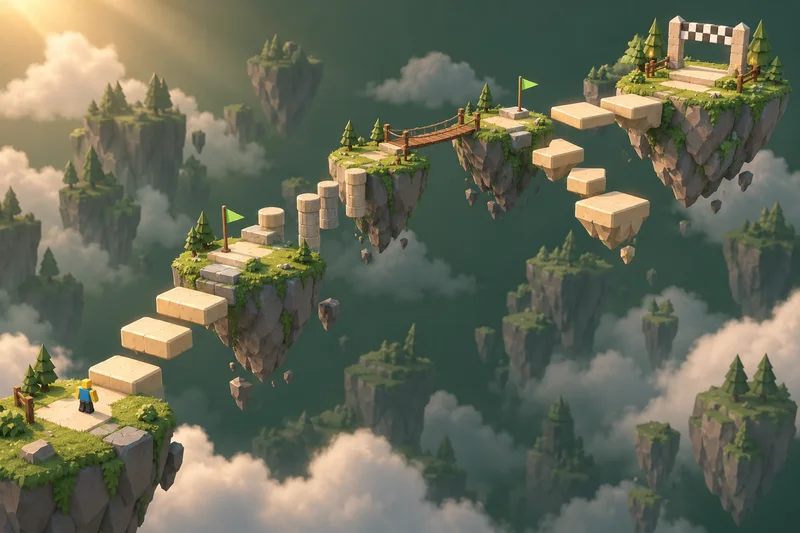
Start with a theme, a few obstacles and a finish line.
Independent creation tool. Not affiliated with Roblox Corporation.