tuvimo
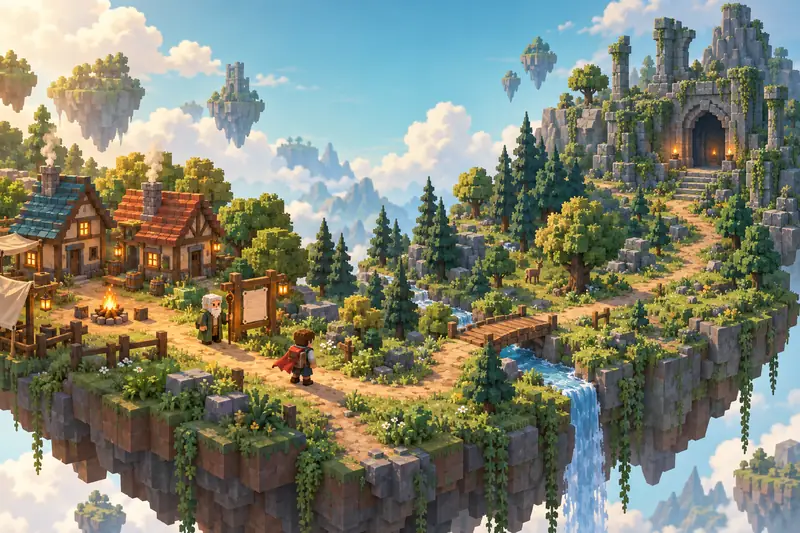
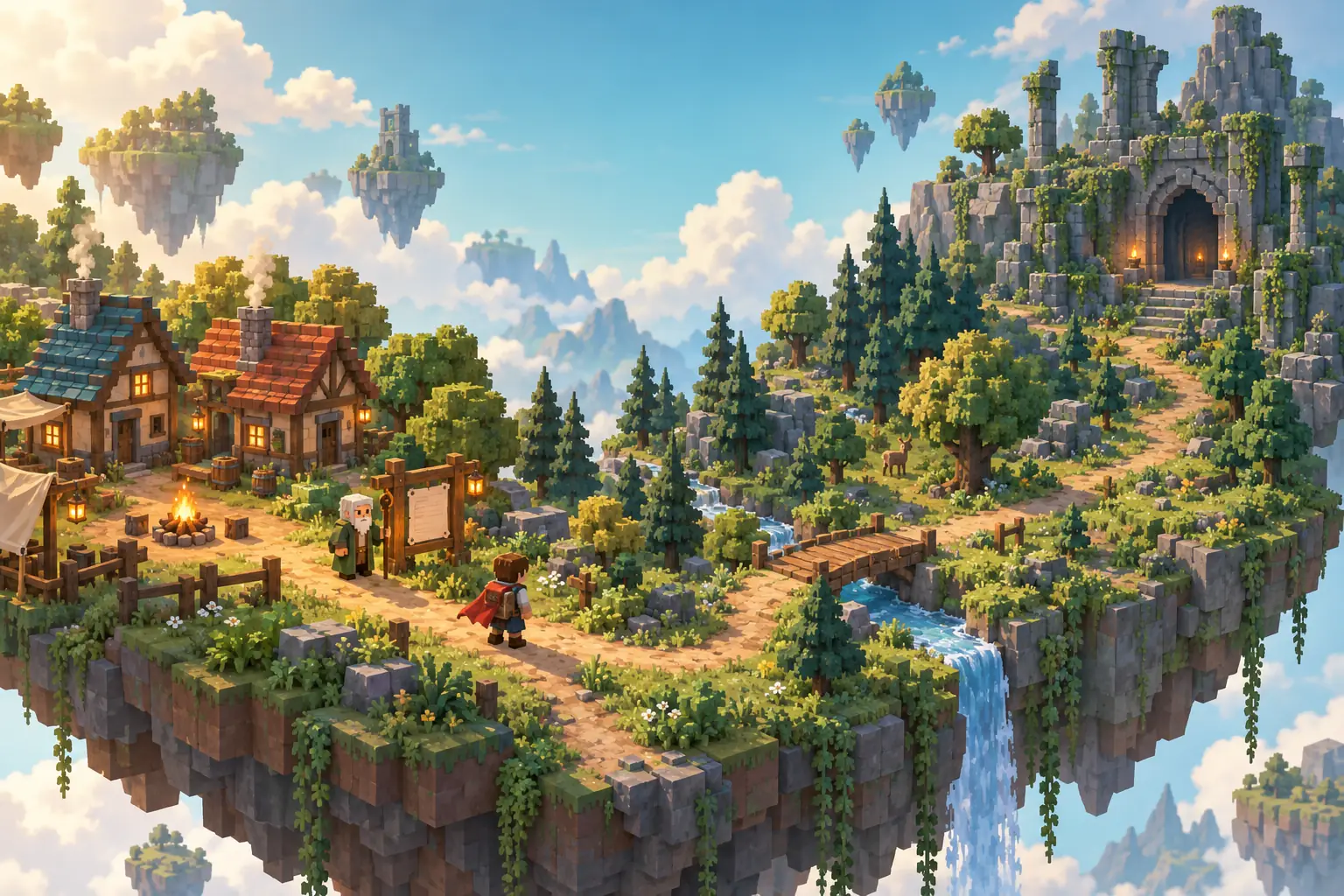
Concept illustration of a village, forest path, and ancient ruins for a Roblox RPG idea
AI RPG GAME BUILDER

Roblox RPG Maker

Turn your world and quests into a Roblox adventure.

Describe your setting, characters, and the first quest players will complete. Create an RPG starting point with AI and keep shaping the adventure in your workspace.

Roblox · RPG

Start with one location, one quest, and a clear reward.

Try an idea:
  • Free to start. Credits are used only when you generate.
  • Draft saved on this device
Explore RPG Ideas
AI-assisted concept illustration · not a game made with this tool

RPG Ideas to Start With

Three starting briefs for the Roblox RPG Maker. Pick one, change anything you like, then create. These are requests you send to the generator, not finished games, player projects or tested templates.

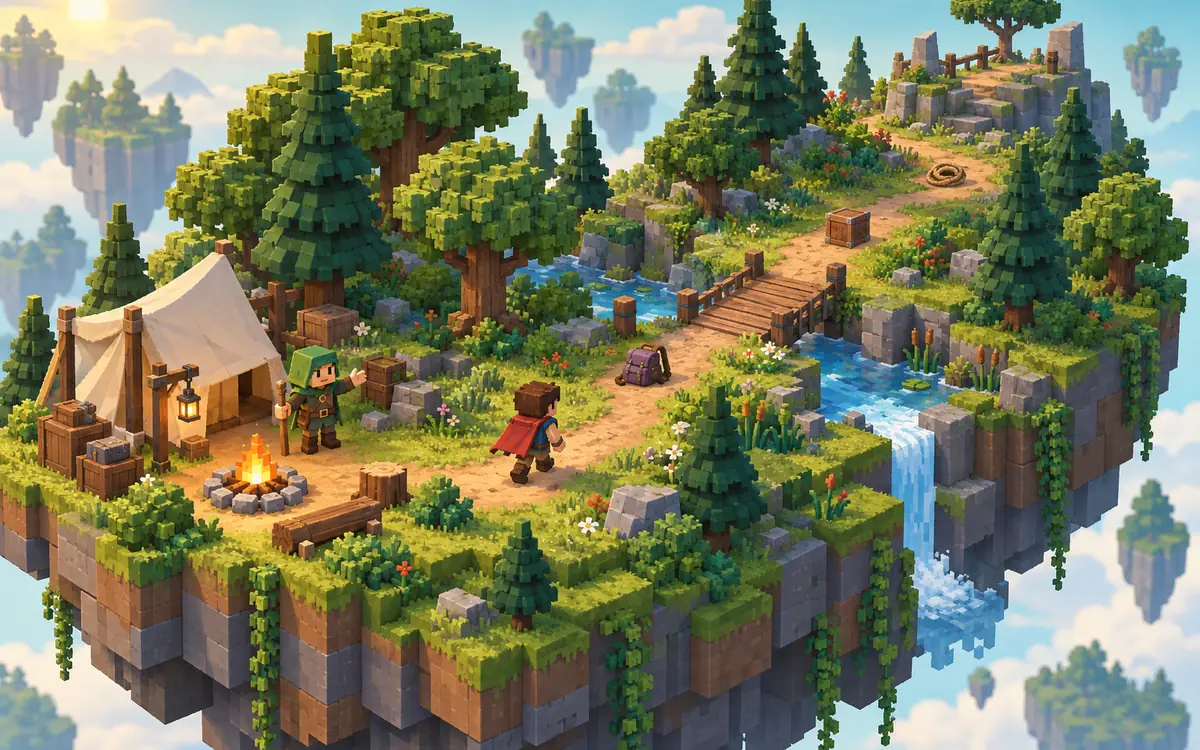
Concept illustration of a ranger camp and woodland quest01

Forest Quest RPG

Help a forest ranger recover lost supplies and complete your first woodland quest.

  1. Talk
  2. Explore
  3. Recover
  4. Return
  5. Earn a Reward
View full brief

Create a small Roblox forest quest RPG. The player begins at a ranger camp and speaks to a ranger NPC who asks them to recover three lost supply items along a woodland trail. Include a short fixed dialogue, a visible quest objective, item collection tracking, and a return-to-ranger completion step. Give a simple in-game reward when the quest is completed and prevent the same quest reward from being claimed repeatedly. Use a bright, consistent low-poly forest style. Focus on exploration rather than combat. Keep progress session-based and do not add pets, trading, paid products, or a large inventory system.
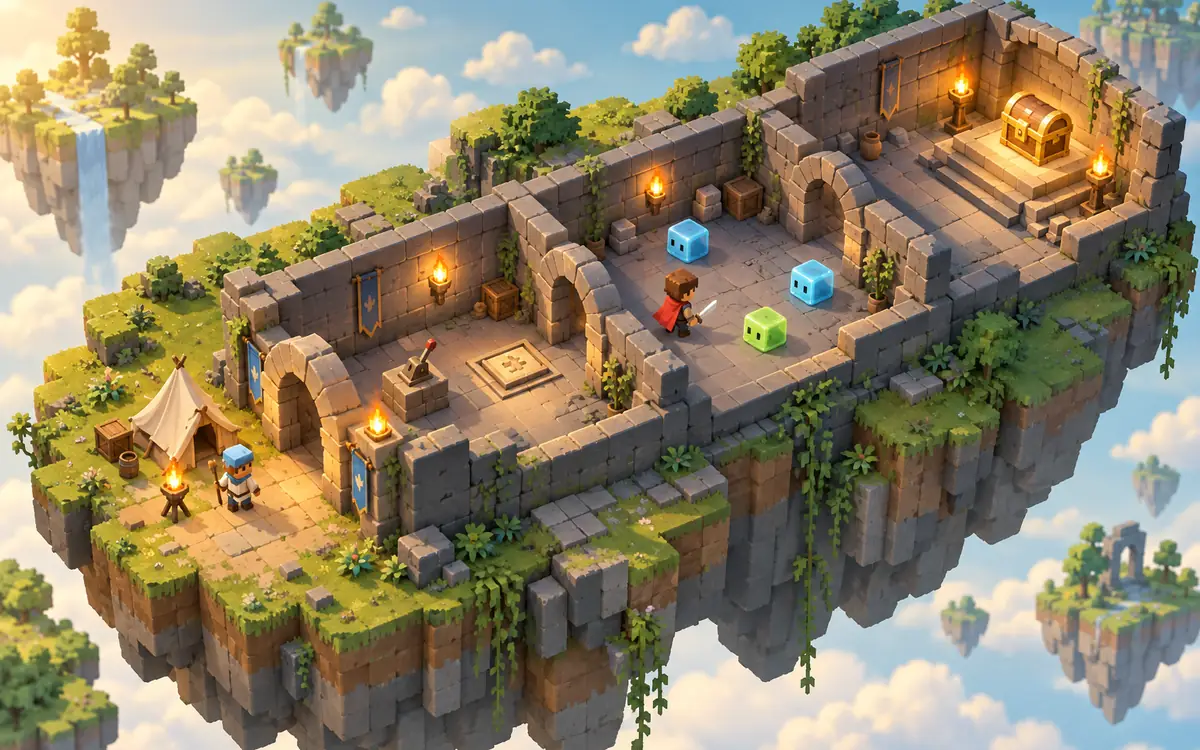
Concept illustration of a compact dungeon adventure02

Mini Dungeon RPG

Explore a compact dungeon, overcome simple challenges, and earn a reward at the end.

  1. Enter
  2. Explore
  3. Challenge
  4. Complete
  5. Collect a Reward
View full brief

Create a compact Roblox dungeon RPG with an entrance camp and three connected rooms. A guide NPC gives the player one clear dungeon objective. Include simple room encounters, a visible objective tracker, and a reward chest that becomes available after completing the objective. If basic combat is supported, use one simple melee action and a few fantasy enemies rather than multiple classes or skill trees. Keep the route readable and use a consistent low-poly dungeon style. Keep progress session-based and do not add random loot systems, player trading, paid products, or complex equipment management.

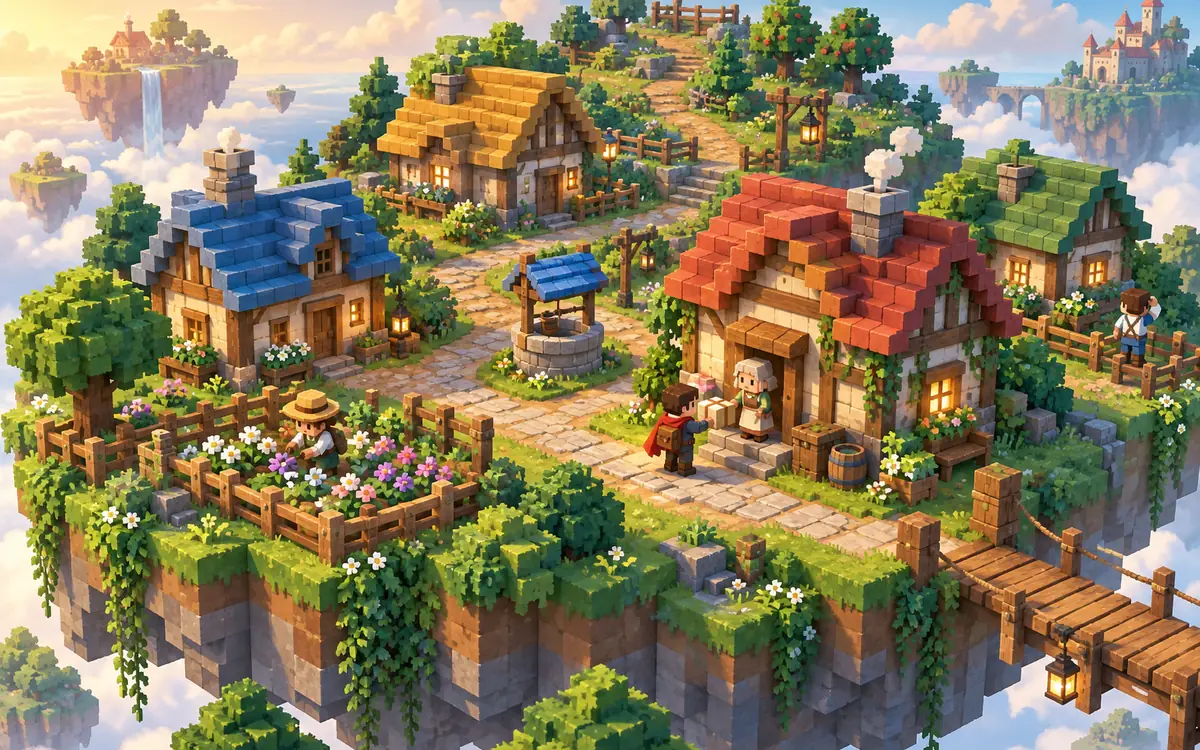
Concept illustration of villagers and a parcel-delivery quest03

Cozy Village RPG

Meet villagers, complete small requests, and become part of a friendly village.

  1. Meet
  2. Help
  3. Complete
  4. Build Reputation
View full brief

Create a cozy Roblox village RPG with no combat. The player meets three villagers who each offer a small request, such as finding a missing item, collecting flowers, or delivering a parcel. Include short fixed dialogues, one active quest at a time, clear completion feedback, and simple reputation points as rewards. Track which requests have been completed during the current session. Use a warm, consistent low-poly village style with readable paths and distinct homes. Do not add a full farming economy, daily timers, paid products, or cross-session saving.

Concept illustrations for game ideas. They are not screenshots of generated games.

Building around collecting, upgrading and unlocking instead? Try the Roblox Simulator Maker. For businesses and expansion, use the Roblox Tycoon Maker.

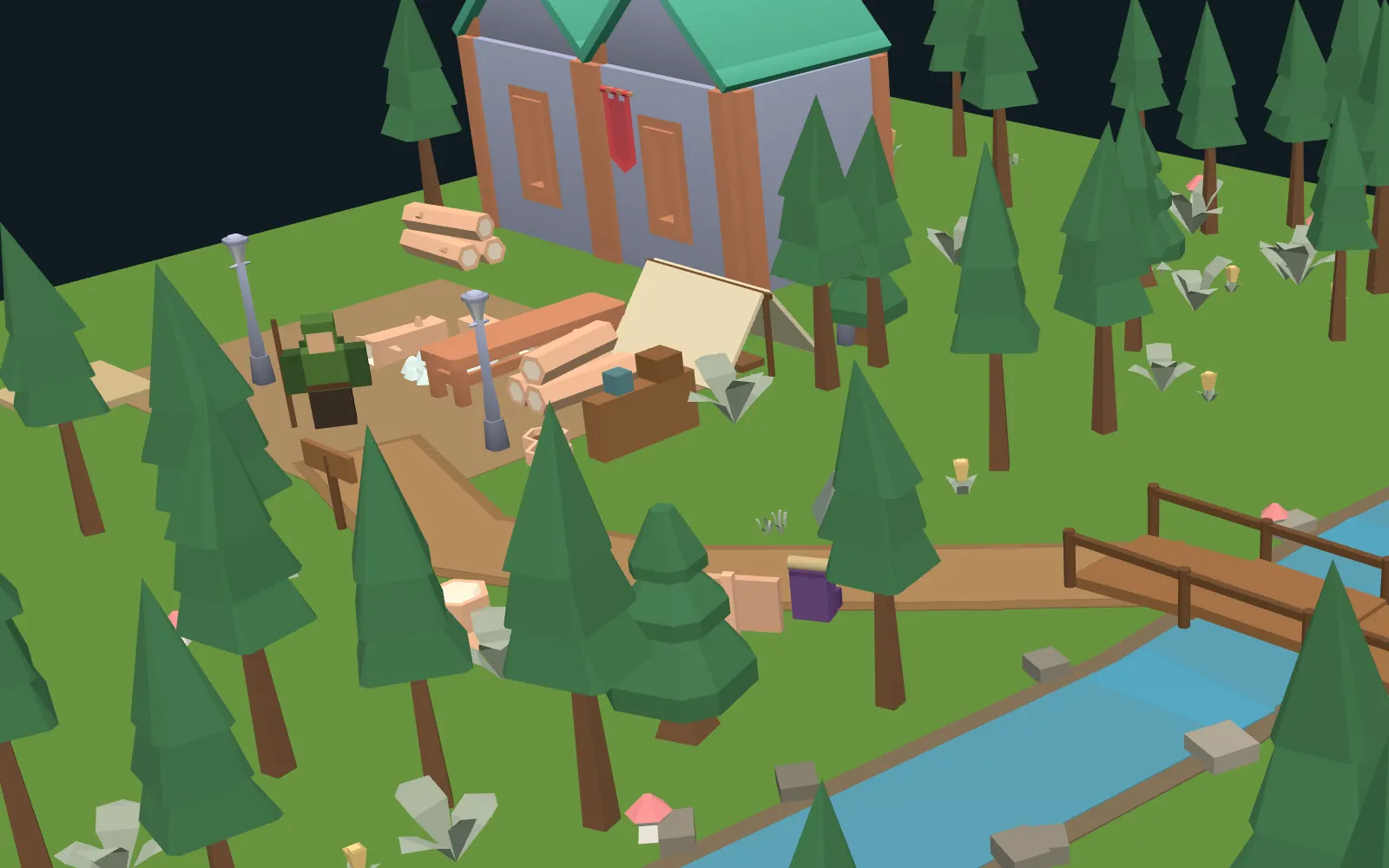
Browser render of the sample’s ranger camp: Ranger Mira beside the campfire, the tent and the trail sign
The same file up close: Ranger Mira and the camp where the quest starts.

Forest Quest RPG Sample

Hand-built sample · not AI-generated

A small forest quest built by hand by the tuvimo team to show how a quest giver, a quest tracker, item pickups and a one-time reward fit together. Trees, the ranger hut and camp props come from our open-license low-poly model library (Kenney, CC0); Ranger Mira, the lost supplies, the tent, the stream and the bridge are built from Roblox parts. It wasn’t created with the Roblox RPG Maker, so treat it as a reference for what to ask for, not as a sample of generated results.

  1. Talk to Ranger Mira at the camp to start the quest
  2. The tracker shows Supplies found: 0/3
  3. Pick up the backpack, the crate and the rope along the trail and across the bridge
  4. Return early and she only reminds you how many are left
  5. Hand them in for 50 XP and the ranger’s badge, given once, which takes you to level 2

It passes our project checks. Each player has their own quest progress, and it resets when the session ends. We haven’t playtested it in Roblox Studio yet, so try it there before reusing it.

Download .rbxlx

Give Your Adventure a Clear First Quest

An RPG starts with a reason to move: someone asks for help, players set out, and something changes when they come back. Describe these parts clearly, then check that the plan turns each one into working scripts.

The adventure path
  1. Meet a Character
  2. Accept a Quest
  3. Explore
  4. Earn a Reward
  5. Continue the Adventure
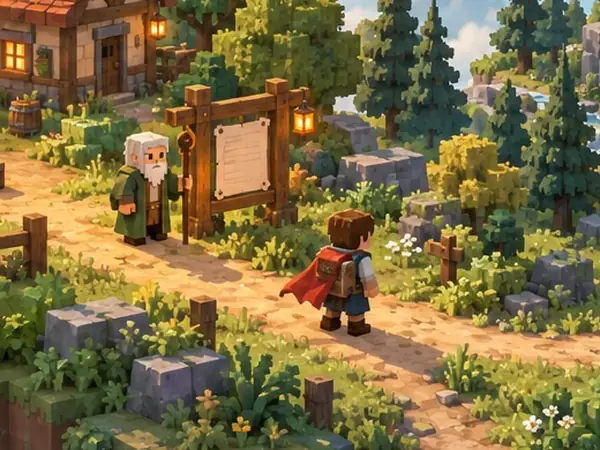
  1. Detail of the hero concept illustration: a quest giver beside a notice board as an adventurer sets off

    Introduce a World and a Character

    Say where players start, who they meet first, and why the road ahead is worth exploring. One location and one quest giver are enough for a first version.

    Try: “Players start at a ranger camp at the edge of a pine forest. Ranger Mira greets them and points to the trail.”

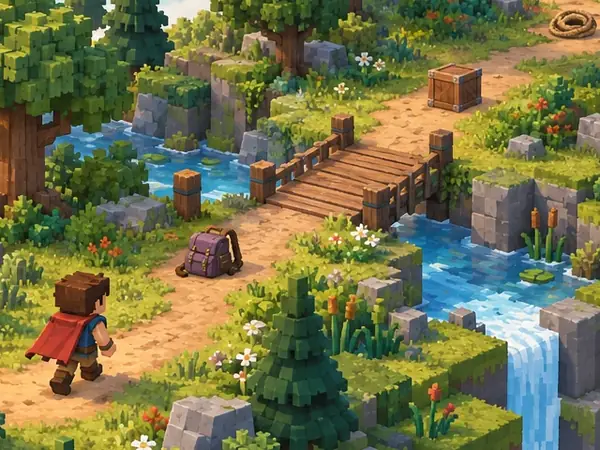
  2. Detail of the forest quest concept illustration: lost supplies along a woodland trail near a bridge

    Build a Quest Players Can Follow

    Give the quest a clear goal, a completion condition and feedback along the way: accept the request, find what is needed, then return to hand it in.

    Try: “Show ‘Supplies found: 0/3’ in the quest tracker, and complete the quest only when the player returns to Mira with all three.”

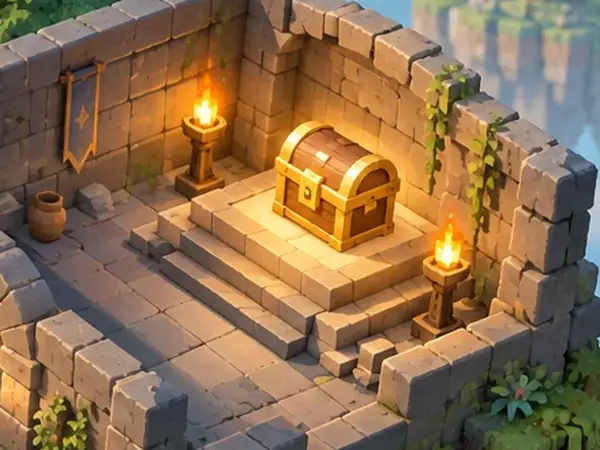
  3. Detail of the mini dungeon concept illustration: a treasure chest waiting in the final room

    Make Rewards Lead Somewhere

    A reward can be quest progress, experience, an in-game item or reputation. Across several quests, rewards like these add up to character progression, such as a higher level or a newly opened area. Each one should show players what changed and where to go next. Not every quest needs coins, gear and a level up at once.

    Try: “Completing the quest gives 50 XP and opens the bridge to the old ruins.”

Scenery isn’t gameplay yet

  • An NPC model isn’t dialogue or a quest.
  • Quest text isn’t a tracker that updates.
  • A chest isn’t a working reward.
  • An enemy isn’t a combat system.
  • A level label isn’t character progression.
  • A backpack icon isn’t inventory management.
  • AI-written dialogue is fixed text, not live AI chat with NPCs.

Check that your plan describes the scripted behavior for each part you need, then test it in Roblox Studio. In-game rewards are not Robux or real money.

Create a Roblox RPG in 3 Steps

  1. Describe the First Adventure

    Choose one place, one quest giver and one clear goal. Start from an idea above or write your own.

  2. Build Your Starting Game

    Continue in your workspace: discuss the plan, review the credit quote, then let the Roblox RPG maker build an editable starting version.

  3. Refine the Quest and Test

    Check the quest steps and reward feedback, then ask for focused changes to dialogue, routes or challenges, such as “Add a follow-up quest after the ranger receives the supplies, and show the new objective in the quest tracker.” Then download the .rbxlx place and test it in Roblox Studio.

Review and test the generated game before publishing. The website preview shows the starting scene; it doesn’t run the quests.

Roblox RPG Maker FAQ

What kinds of Roblox RPGs can I create?

The Roblox RPG maker works best for small role-playing games with a few locations and one to three quests, such as a forest supply quest, a compact dungeon or a set of village requests. You can describe your own world as well. Projects use native Roblox parts and Luau scripts. Large worlds, long quest chains or several systems at once may be scaled down, and you’ll see any reduced scope in the plan before you confirm. If your game is mainly about collecting, upgrading and unlocking areas, start with the Roblox Simulator Maker.

Can I customize quests, characters, and rewards?

Yes, through your description and the workspace chat. Say who gives the quest, what they say, what players need to do and what they receive. There’s no separate quest-tree, dialogue or character editor: you review these details in the plan before anything is built, and you can ask for changes afterwards.

Does my RPG need combat?

No. Quests can be about exploring, finding items, delivering a parcel or helping villagers, like the Cozy Village idea. If you want combat, describe it and keep it simple at first, such as one melee action and a few enemies. The plan shows what will be built before you confirm.

Can I add inventories, saved progress, or multiplayer?

They aren’t included by default. Quest progress and rewards are tracked for each player during the current server session, and a simple item count is used instead of a full inventory. You can describe extras, but they make the project larger, so the plan may scale them down or suggest leaving them for a later revision. Saving needs extra setup and only works after you publish a separate test experience and enable Studio API access. Parties, shared dungeon runs and trading aren’t included unless you ask for them.

Can I edit the generated game in Roblox Studio?

Yes. Download the .rbxlx place file and open it in Roblox Studio to playtest, keep editing and publish. Play the whole quest there: talk to the quest giver, check that the objective updates, try to hand it in early, then complete it and make sure the reward is given only once. The website only shows a static preview of the starting scene, nothing is published to Roblox automatically, and edits made in Studio aren’t synced back.

Is the Roblox RPG maker free?

Opening this page, trying the RPG ideas and saving a draft are free. Sign in to plan your RPG with the included planning allowance. Generating the game uses credits, and you’ll see the exact quote before you confirm; later changes, such as adding a follow-up quest, are quoted the same way. See plans and credit pricing.

Explore More Roblox Game Makers

Start Your Next Roblox Adventure

Begin with one place, one quest, and a reason to explore.

Independent creation tool. Not affiliated with Roblox Corporation, or with the RPG Maker series or its owners.