 01
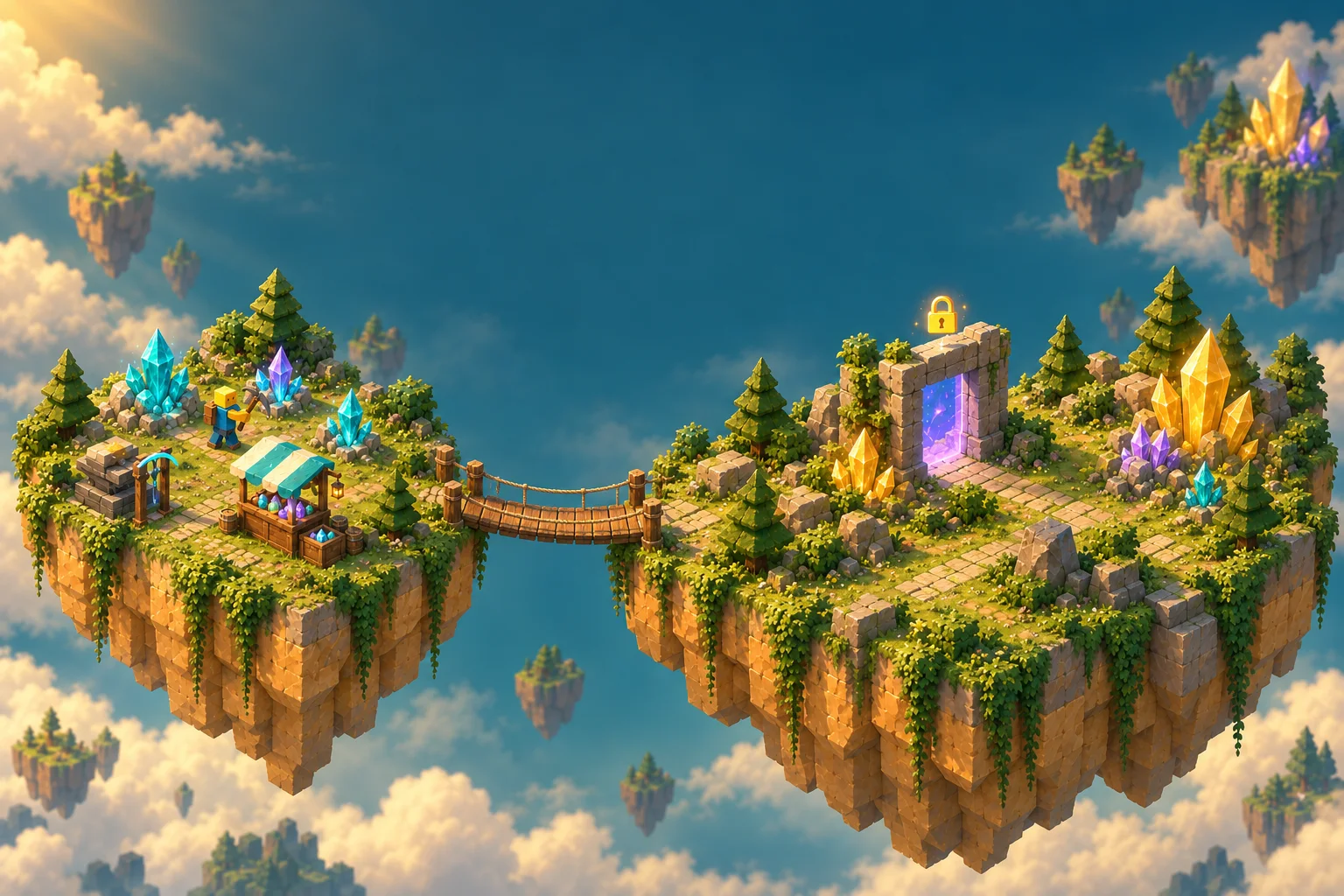
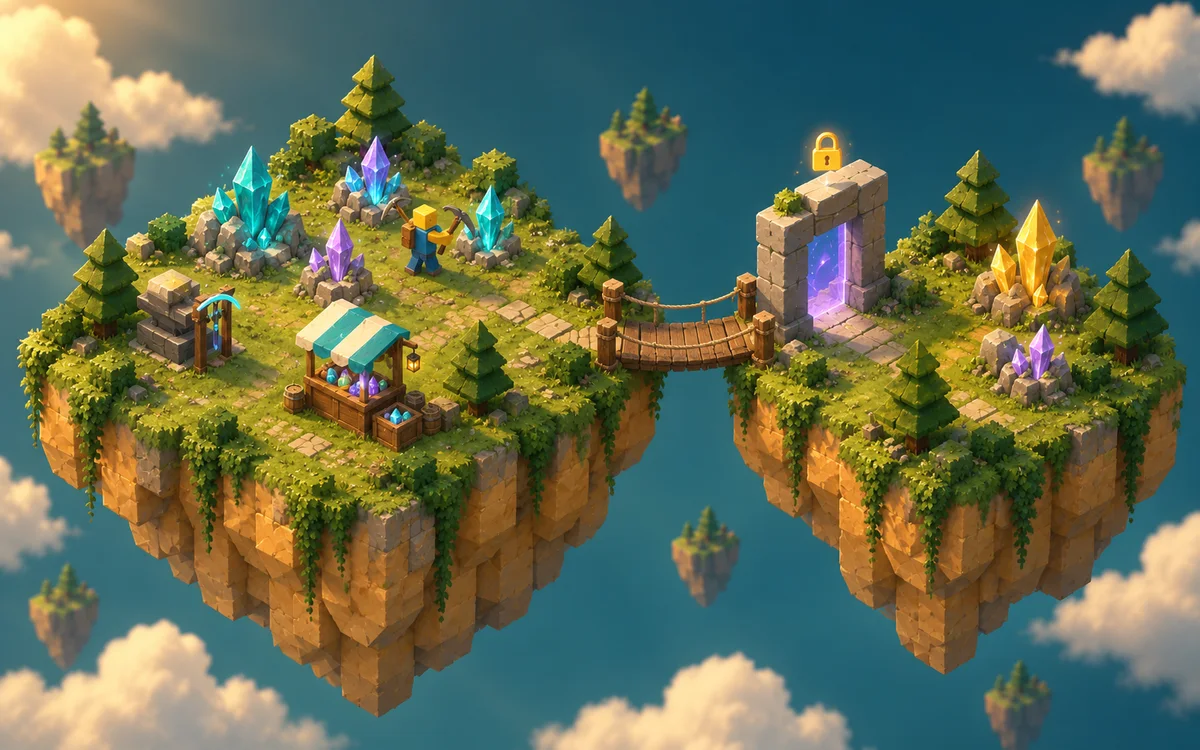
01Crystal Collecting Simulator
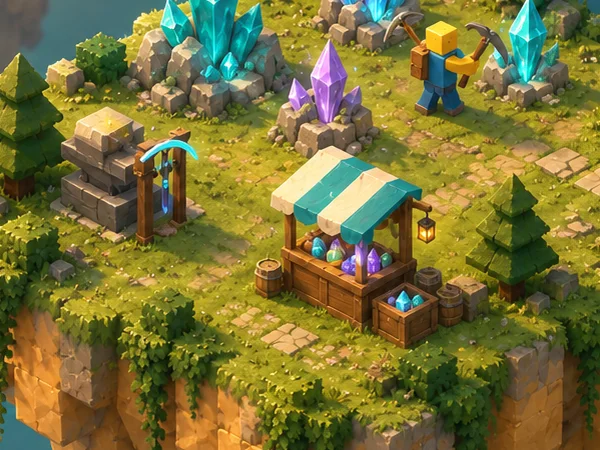
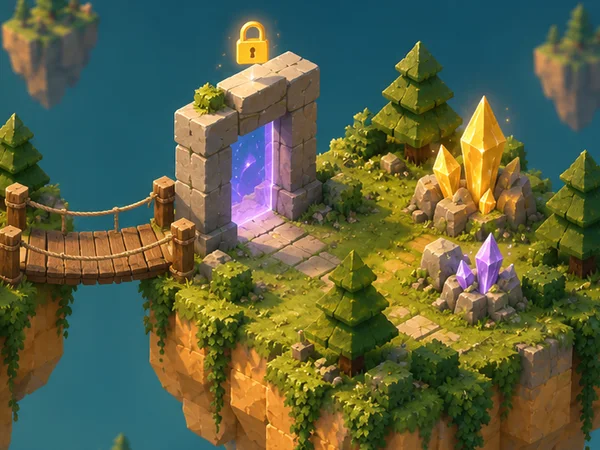
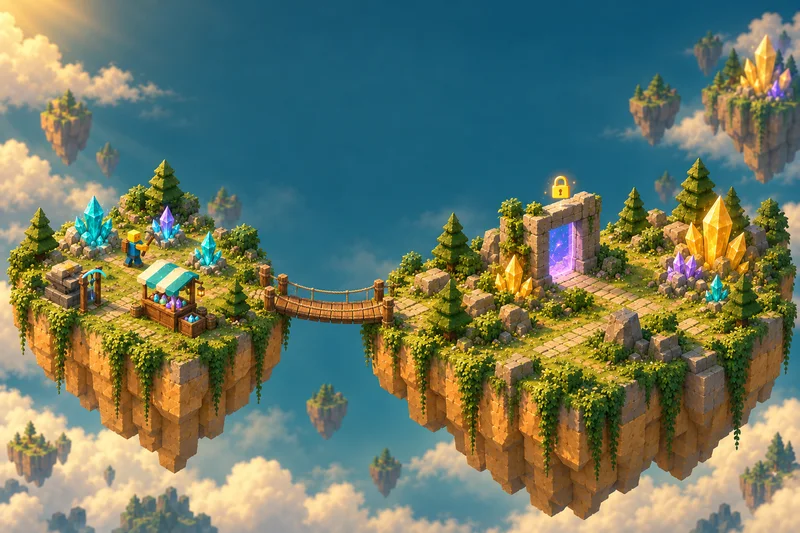
Gather crystals, improve your equipment, and discover a new island.
- Collect
- Sell
- Upgrade
- Explore
 tuvimo
Turn a simple action into a game of progress.
Describe what players collect or train, how they upgrade, and which areas they unlock. Create a Roblox simulator starting point with AI and refine it in your workspace.
Try describing the main action, one upgrade, and the next area players can unlock.
Three starting briefs for the Roblox Simulator Maker. Pick one, change anything you like, then create. These are requests you can send, not generated games, player projects or tested templates.
01Gather crystals, improve your equipment, and discover a new island.
 02
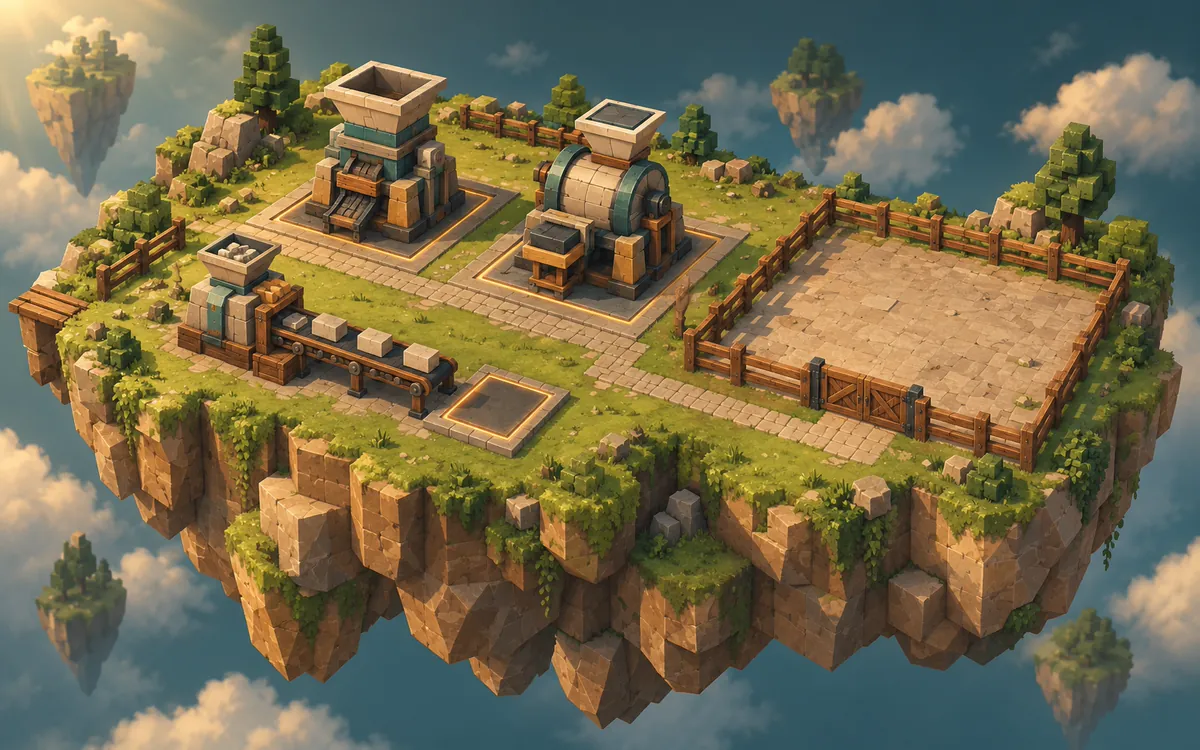
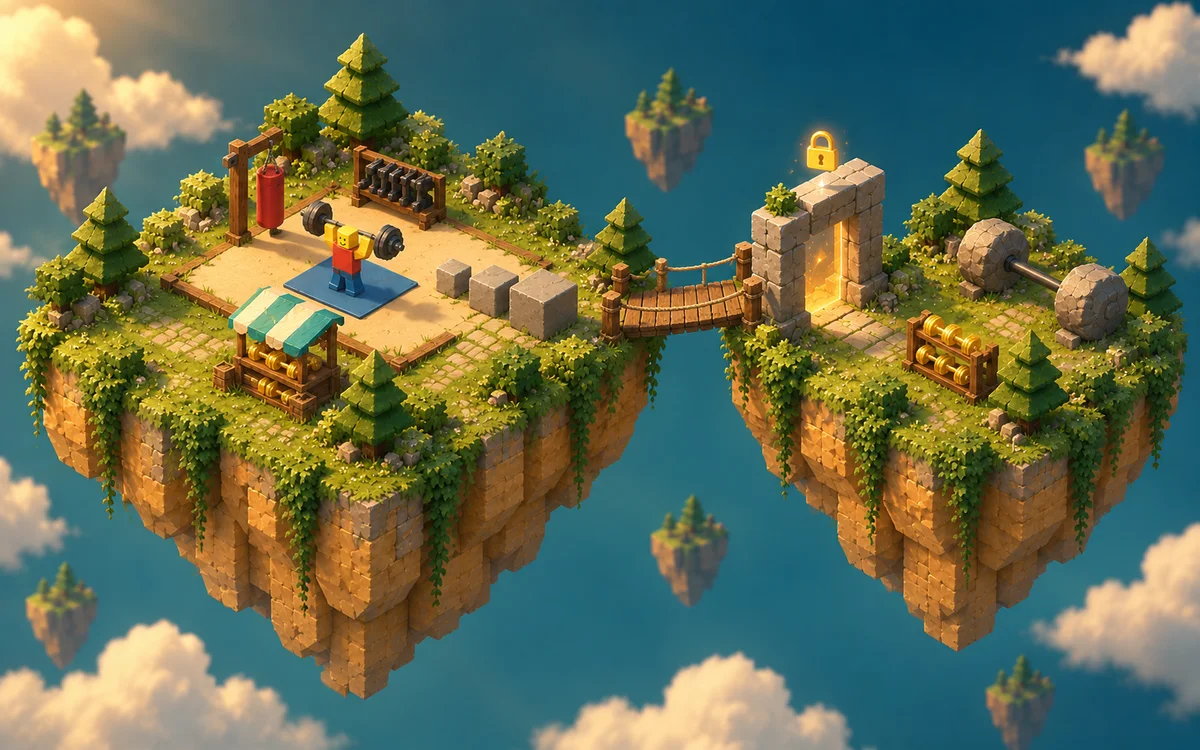
02Train to earn points, upgrade your equipment, and unlock a new training zone.
 03
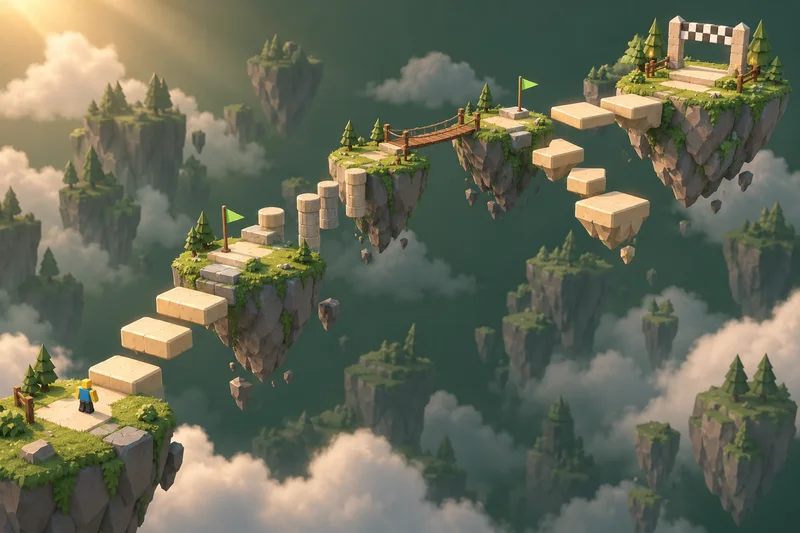
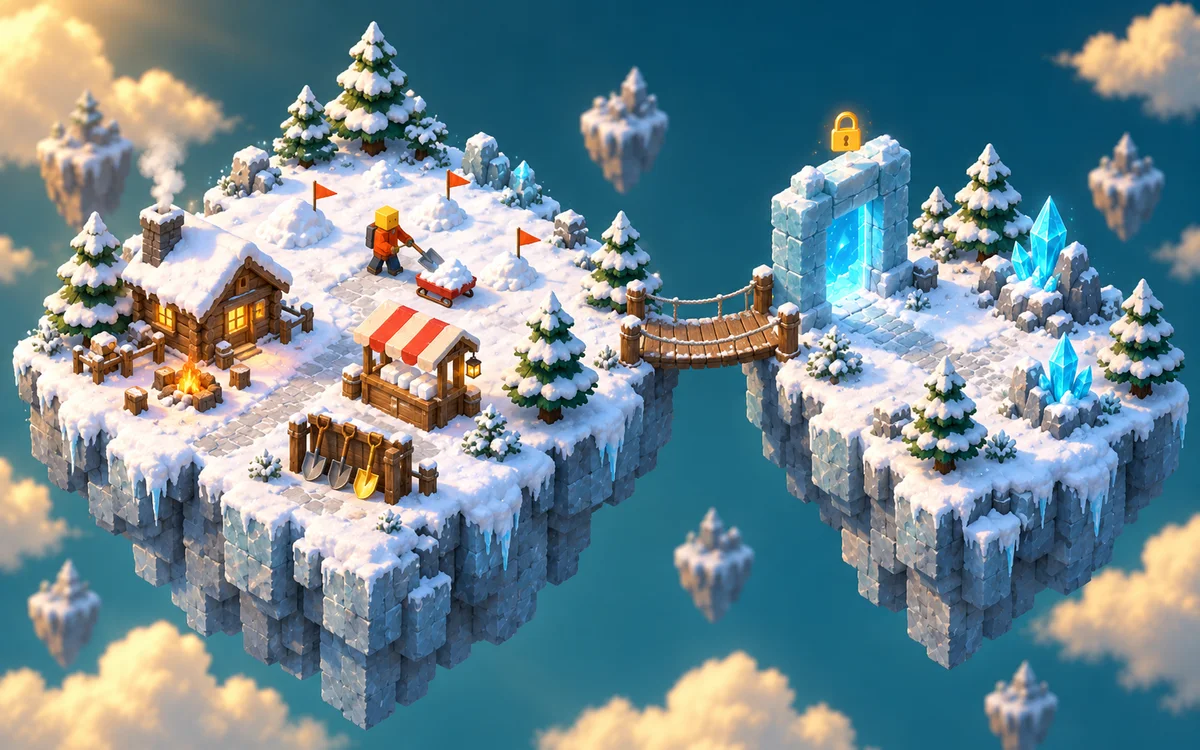
03Clear snow, improve your shovel and capacity, and open a new snowy area.
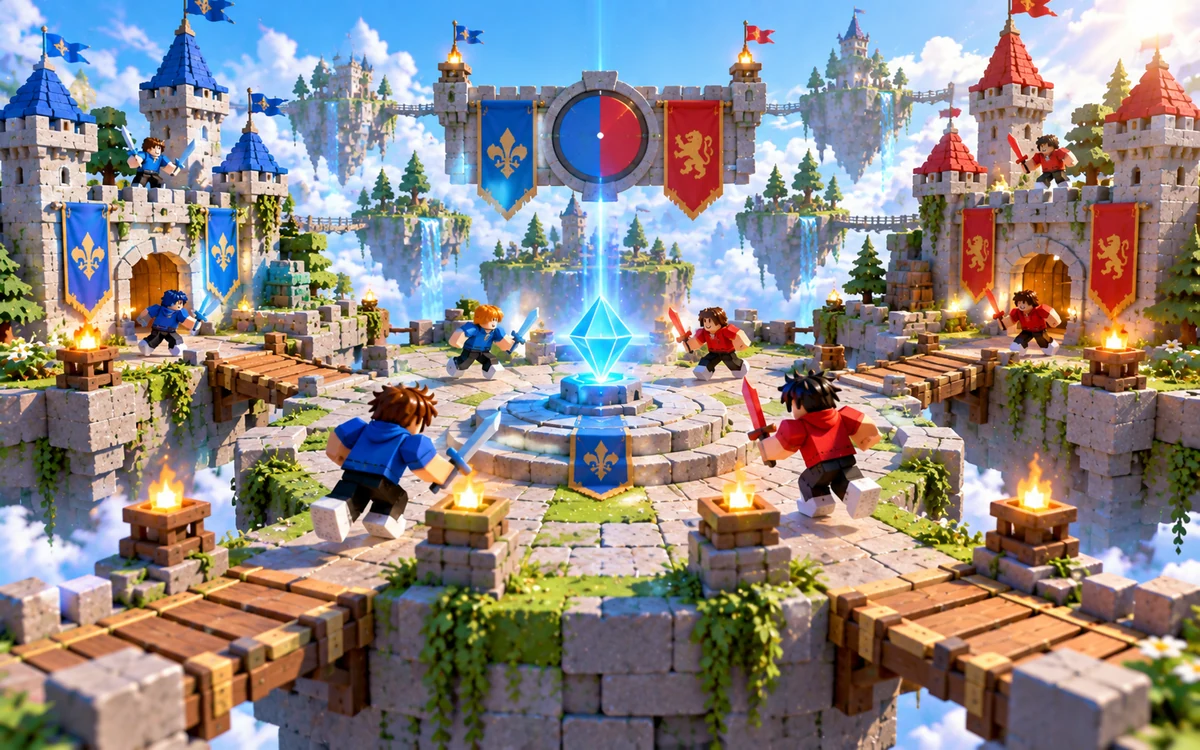
Images are AI-assisted theme illustrations, not screenshots of generated games.
Building around machines, income and a growing base instead? Try the Roblox Tycoon Maker. For jumps, stages and checkpoints, use the Roblox Obby Maker.
A simulator is built on one thing players do again and again, and on how each round makes them a little stronger. Describe these three parts clearly, then check that the plan turns each one into working scripts.
Collect · Sell · Upgrade · Unlock. Train · Earn Points · Upgrade · Unlock.
Not every simulator needs a sell zone. Training themes can award points directly.
Pick the main thing players do, such as mining crystals, lifting weights or shoveling snow, and say what it gives them. One action is enough for a first version; you can add more later.
Try: “Each swing of the pickaxe adds one crystal to the player’s backpack.”
Say what each upgrade changes, such as collection speed, carrying capacity or points per rep, and roughly what it costs, so players can see what they pay and what they get. Coins and points are in-game currency, not Robux or real money.
Try: “A better pickaxe costs 50 coins and collects twice as fast. A bigger backpack holds 30 crystals instead of 10.”
Set the next goal: a new area, rarer resources or better equipment. Say what unlocks it, so players always know what they are working toward.
Try: “The second island opens once the player has 500 coins and has more valuable crystals.”
A crystal in the scene isn’t collection logic, an upgrade stand isn’t a working purchase, a door isn’t an unlock, and a number on screen isn’t saved progress. Check that your plan describes the scripted behavior for each one, then test it in Roblox Studio.
Tell the AI what players mainly do, what it earns them and what you want them to unlock next. Start from an idea above or write your own.
Continue in your workspace: discuss the plan, review the credit quote, then let the Roblox simulator maker build an editable starting version.
Ask for focused changes to upgrades, resources and areas, such as “Increase the backpack capacity and add a second collection area with more valuable crystals.” Then download the .rbxlx place and test it in Roblox Studio.
Review and test the generated game before publishing. The website preview shows the starting scene; it doesn’t run the simulator.
This AI Roblox simulator generator works best for small starting projects built around one repeated action, such as collecting crystals, training strength or shoveling snow. You can describe your own theme as well. Projects use native Roblox parts and Luau scripts. Long progressions, many areas or several systems at once may be scaled down, and you’ll see any reduced scope in the plan before you confirm. If purchased machines earn income for the player, start with the Roblox Tycoon Maker.
Yes, through your description and the workspace chat. Say what players collect or train, how much they can carry, what each upgrade costs and changes, and what opens the next area. There’s no separate economy or level-curve editor: you review these details in the plan before anything is built.
They aren’t included by default. Coins, points, upgrades and unlocks last for the current server session. You can describe extras such as pets or rebirths, but they make the project larger, so the plan may scale them down or suggest leaving them for a later revision; you’ll see this before you confirm. Saving needs extra setup and only works after you publish a separate test experience and enable Studio API access.
Yes. Ask for changes in the workspace chat, such as “Make the first backpack upgrade cheaper” or “Add a second sell zone next to the new island.” You’ll see an updated plan and credit quote before anything new is built. Edits made directly in Roblox Studio aren’t synced back.
Yes. Download the .rbxlx place file and open it in Roblox Studio to playtest, keep editing and publish. Play the whole loop there: collect or train until you reach the capacity or point limit, sell where your theme uses a sell zone, buy an upgrade, and check that the next area opens only when the requirement is met. The website only shows a static preview of the starting scene, and nothing is published to Roblox automatically.
Opening this page, trying the simulator ideas and saving a draft are free. Sign in to plan your simulator with the included planning allowance. Generating the game uses credits, and you’ll see the exact quote before you confirm; later changes, such as rebalancing upgrade costs, are quoted the same way. See plans and credit pricing.
Start with one action, one upgrade, and a new place to explore.
Independent creation tool. Not affiliated with Roblox Corporation.