 01
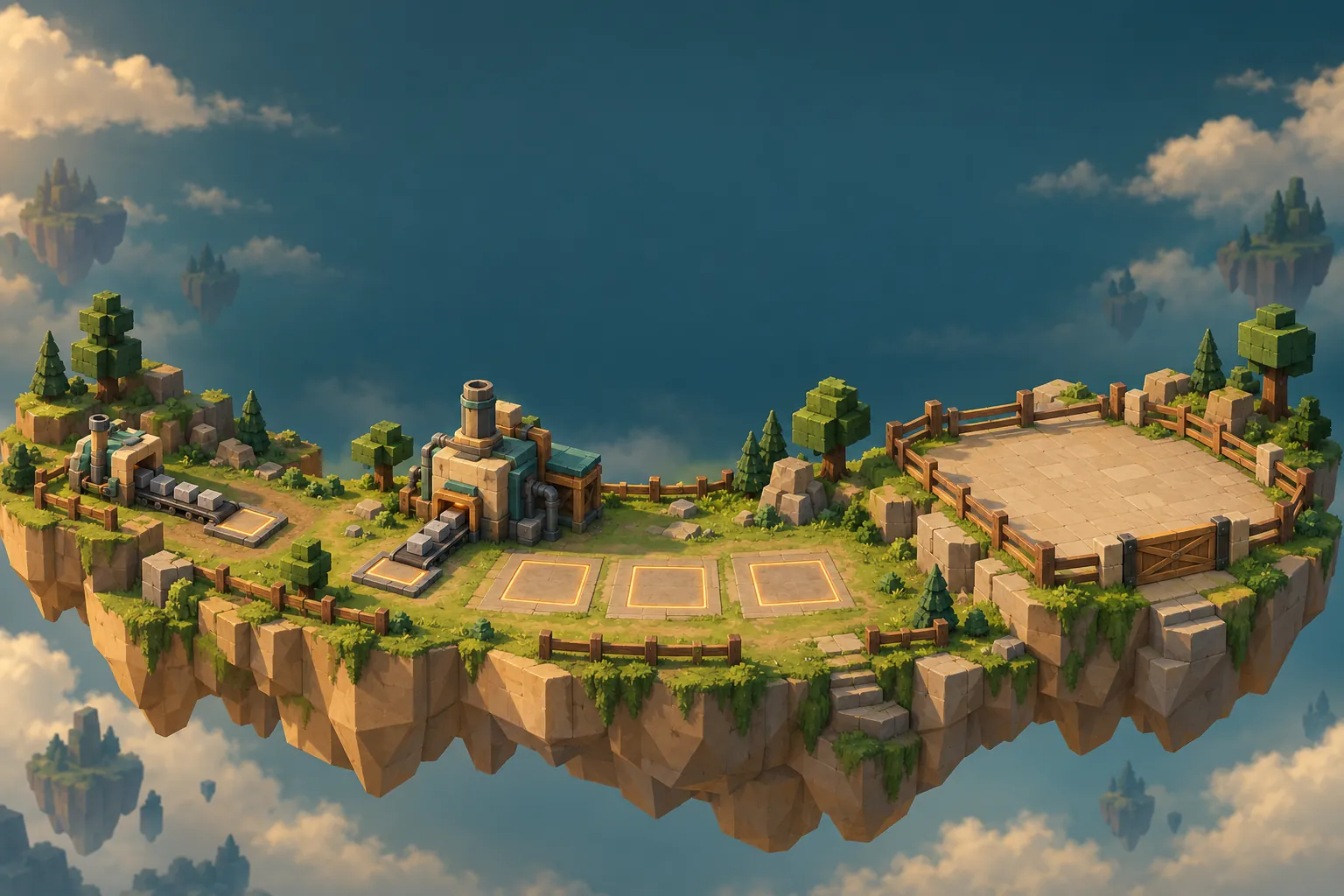
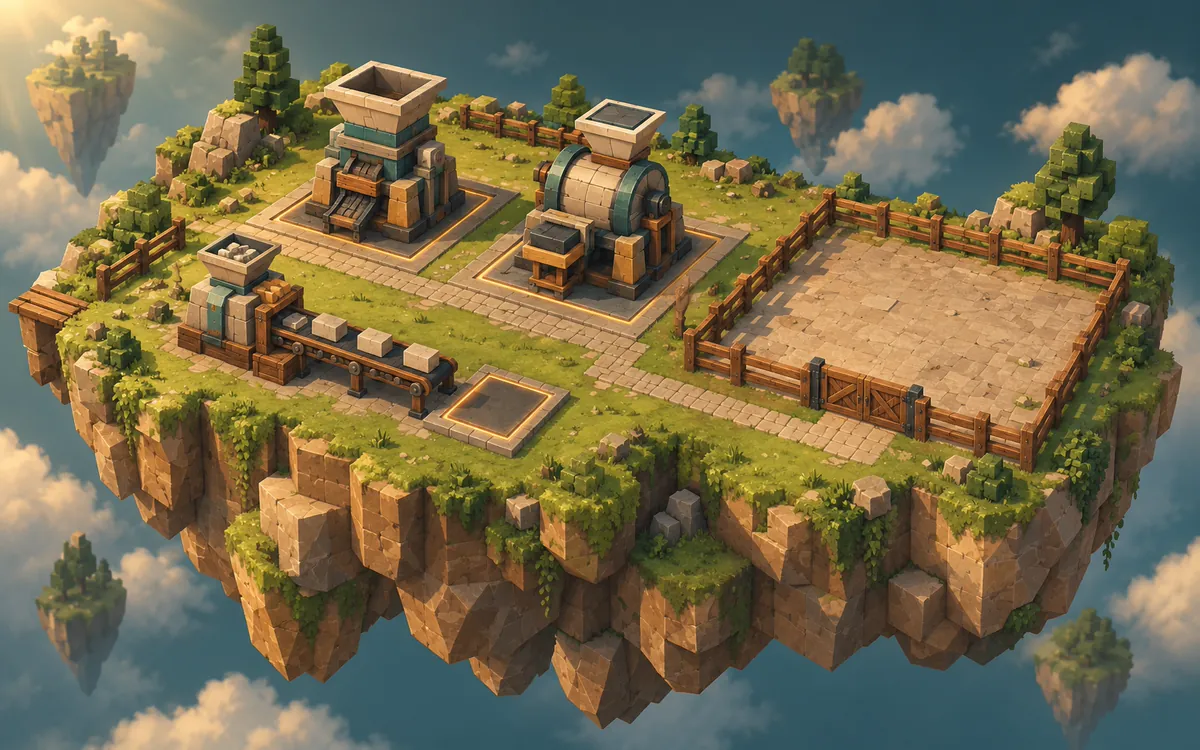
01Factory Tycoon
Start with a small production line, collect income, and expand your factory.
- Produce
- Collect
- Upgrade
- Expand
 tuvimo
Turn your business idea into a Roblox tycoon.
Describe your business theme, how players earn in-game cash, and what they can upgrade. Create a tycoon starting point with AI and keep refining it in your workspace.
5–4,000 characters. Include the business theme, how players earn, what they can buy and what unlocks next.
Three starting briefs for the Roblox Tycoon Maker, the same tycoon generator you use above. Pick one, change anything you like, then create. These are requests you can send, not generated games, player projects or tested templates.
01Start with a small production line, collect income, and expand your factory.
 02
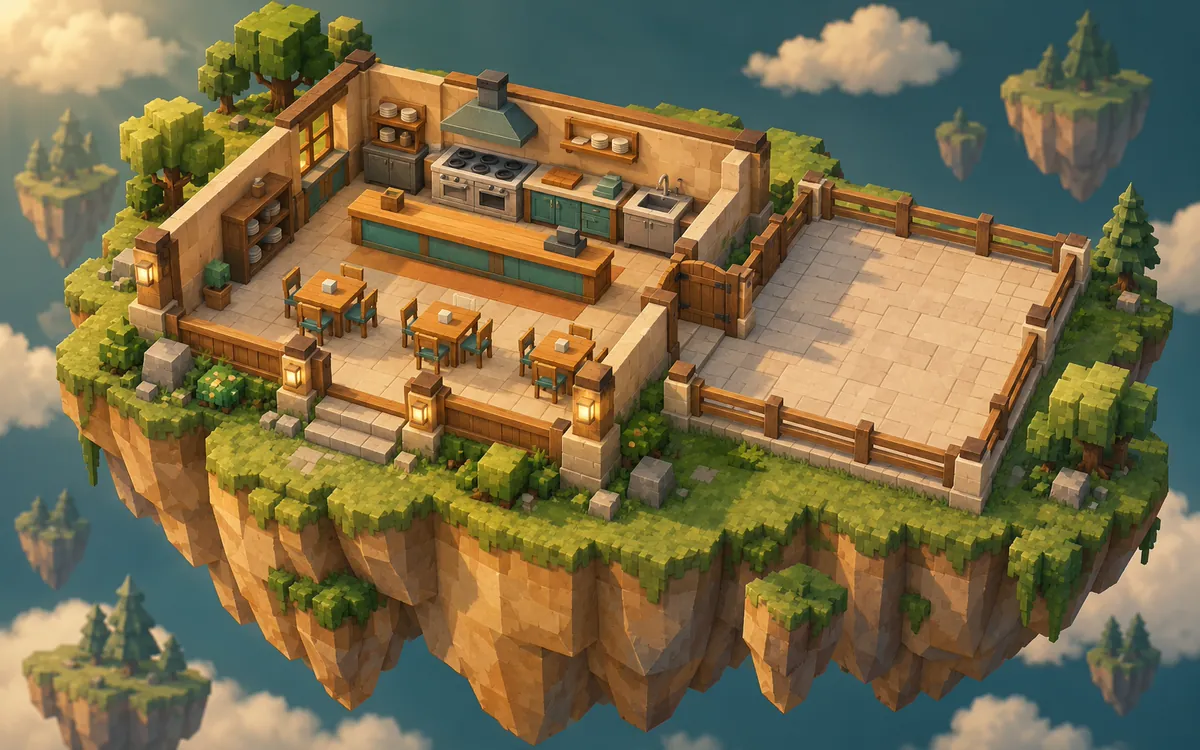
02Build a small restaurant, earn income from a simple service loop, and improve the space.
 03
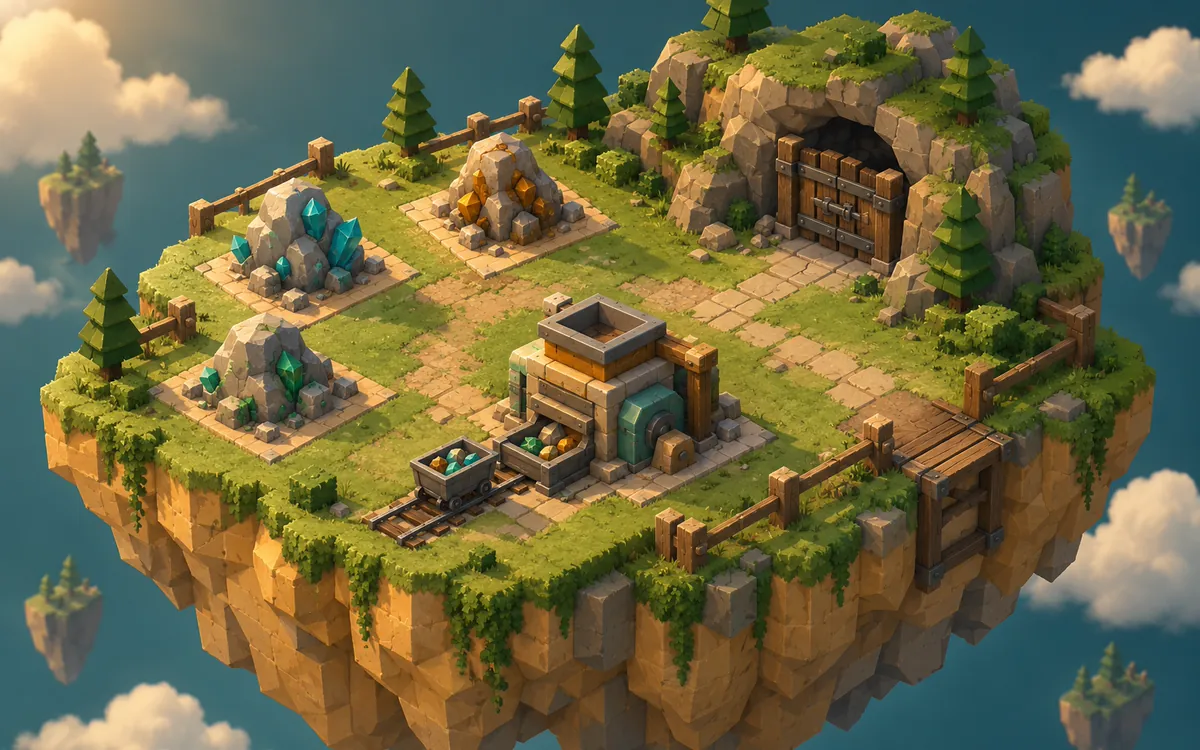
03Place drills on ore, process it into income, and expand into a new mine.
Images are theme illustrations, not screenshots of generated games.
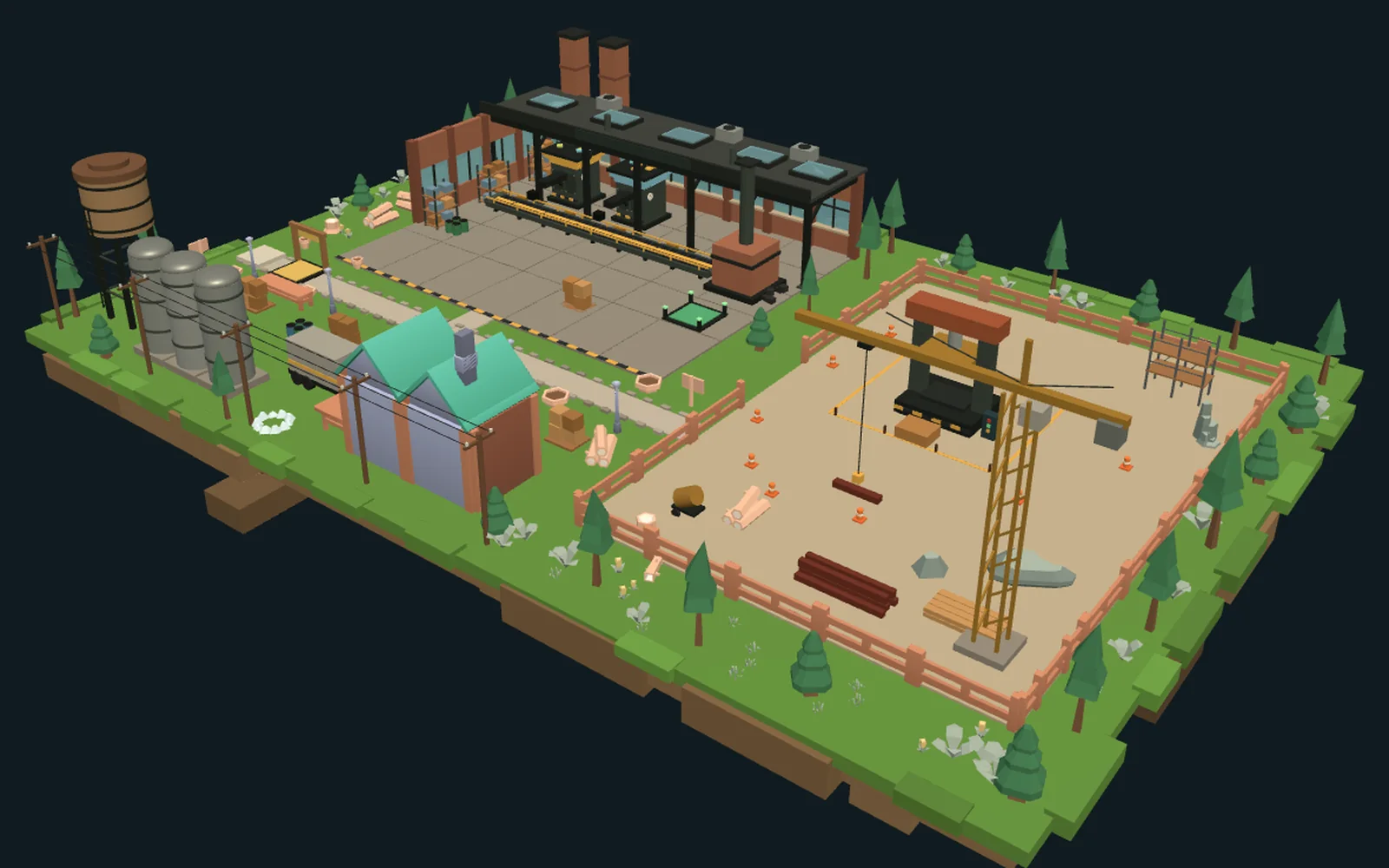
A small factory tycoon built by hand by the tuvimo team to show how earning, buying, upgrading and unlocking fit together. Trees, fences and the site office come from our open-license low-poly model library (Kenney, CC0); the factory, machines and yard equipment are built from Roblox parts. It wasn’t created with the Roblox Tycoon Maker, so treat it as a reference for what to ask for, not as a sample of generated results.
It passes our project checks. One player owns the factory at a time, and progress resets when the session ends. We haven’t playtested it in Roblox Studio yet, so try it there before reusing it.
A Roblox tycoon game is more than a building. Tell the Roblox Tycoon Maker how cash moves through your game, then check that the plan turns each part into working scripts.
Pick one clear income source: a machine that produces, resources players collect, or a simple service action. Say how cash arrives and where the balance appears. It’s in-game cash, not Robux or real money.
Try: “The starter machine adds 5 cash every 2 seconds to the player’s balance.”
List what players can buy, what each upgrade changes and roughly what it costs. Ask for buttons that show the price, refuse purchases a player can’t afford and take the cash only once.
Try: “A second machine costs 100 cash; a faster conveyor costs 250 and doubles income.”
Set the next goal: a new room, a bigger production area or a new piece of equipment. Say what unlocks it, so players always know what they are working toward.
Try: “Open the back room once both kitchen upgrades are bought.”
A machine model, a counter or a price sign on its own is just decoration. Check that your plan describes the scripted behavior for each one, then test it in Roblox Studio.
Choose a theme and describe the income source, what players can buy and what they unlock next. Start from an idea above or write your own.
Continue in your workspace: discuss the plan, review the credit quote, then let the Roblox tycoon game maker build an editable starting version.
Ask for focused changes, such as “Add a second production machine and unlock a new room after the player buys both upgrades.” Then download the .rbxlx place and test it in Roblox Studio.
Review and test the generated game before publishing. The website preview shows the starting scene; it doesn’t run the tycoon.
This AI Roblox tycoon generator works best for small starting projects built around one clear business loop, such as a factory, a restaurant or a mine. You can describe your own theme as well. Projects use native Roblox parts and Luau scripts. Large economies, many plots or long progressions may be scaled down, and you’ll see any reduced scope in the plan before you confirm.
Yes, through your description and the workspace chat. Say what earns cash, what things cost and what each upgrade changes. There’s no separate economy settings panel: you review these details in the plan before anything is built.
Not by default. Cash, purchases and unlocks last for the current server session. You can ask for saving; the plan then adds setup steps, and saving only works after you publish a separate test experience and enable Studio API access. Separate plots for every player, offline earnings and complex syncing aren’t included unless you ask, and large requests may be scaled down.
Yes. Ask for changes in the workspace chat, such as “Make the second upgrade cheaper.” You’ll see an updated plan and credit quote before anything new is built. Edits made directly in Roblox Studio aren’t synced back.
Yes. Download the .rbxlx place file and open it in Roblox Studio to playtest, keep editing and publish. Test earning, purchases, upgrades and unlocks there; the website only shows a static preview of the starting scene. Nothing is published to Roblox automatically.
Opening this page, trying ideas and saving a draft are free. Sign in to plan your tycoon with the included planning allowance. Generating the game uses credits, and you’ll see the exact quote before you confirm. See Pricing for plans and models.
Explore other Roblox game ideas.
Create an obstacle course with stages and checkpoints.
Plan a game where players collect or train, upgrade, and unlock new areas.
Add one feature to your game with ready-to-use Luau code.
Build a scene or environment for your next project.
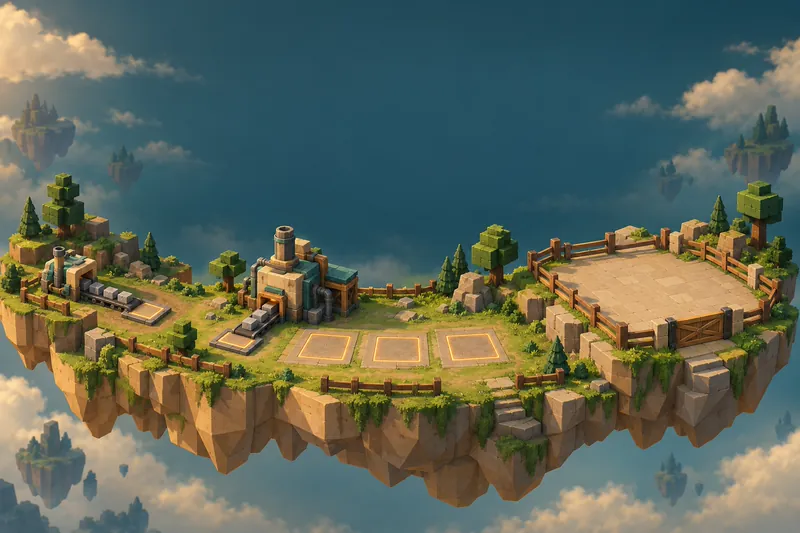
Start with a small business idea and decide what players can build next.
Independent creation tool. Not affiliated with Roblox Corporation.